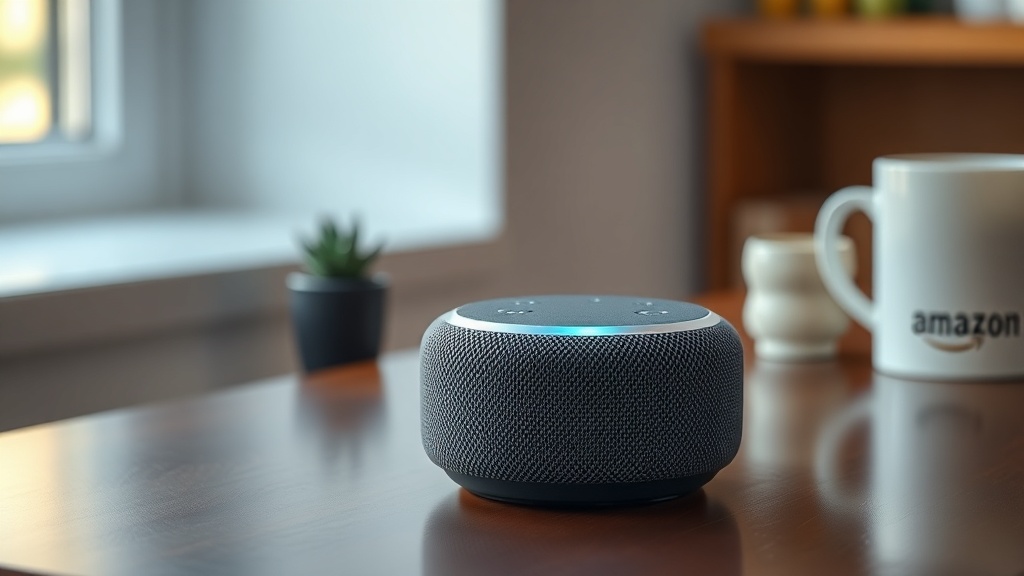
Amazon Echo Dot (5th Gen) Sound Quality and Specs: What You Need to Know
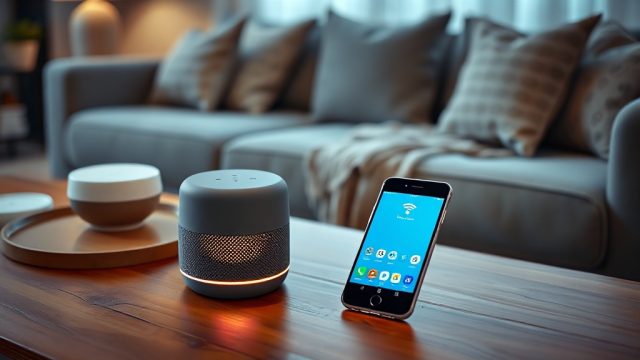
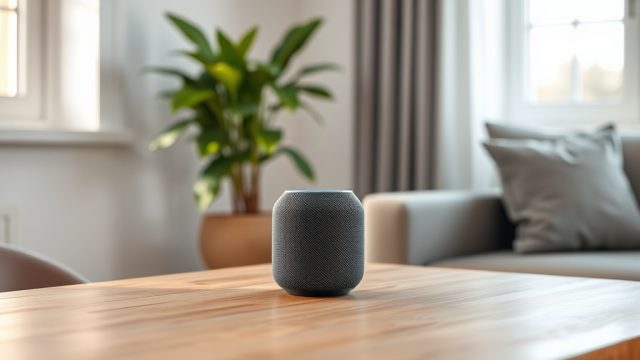
Amazon’s latest Echo Dot (5th Gen) brings a surprising audio upgrade to the compact smart speaker segment, but how does it truly perform for everyday listening? We’ve tested its speaker driver, frequency response, and real-world usability to give you the straight facts on whether this puck-sized device belongs on your nightstand or kitchen counter.
Does the Amazon Echo Dot (5th Gen) deliver better sound than the 4th Gen?
Yes, the 5th Gen Echo Dot introduces a larger front-firing 1.73-inch (44mm) neodymium driver, replacing the 1.6-inch driver found in the 4th Gen. This translates to noticeably improved bass response—down to around 60Hz—and clearer midrange, especially for spoken word and acoustic tracks. The driver also handles peak power up to 15W, a 50% increase over its predecessor. While you won’t get room-filling bass like a dedicated subwoofer, the low end is tighter and more present than previous Dot generations. For podcast lovers and casual music listeners, the difference is immediate: voices sound fuller, and soundtracks have more texture without distortion at moderate volumes.
One trade-off: the larger driver draws slightly more power, but the 5th Gen still uses a standard 15W power adapter (included) and maintains comparable standby efficiency. If you’re upgrading from a 3rd Gen or earlier, the 5th Gen is a clear acoustic leap; 4th Gen owners may notice a moderate improvement, especially in bass extension.
What are the exact audio specs and frequency response of the Echo Dot (5th Gen)?
Under the hood, the 5th Gen Echo Dot supplies these key technical parameters:
- Speaker driver: 1.73-inch (44mm) front-firing neodymium woofer with passive radiator (single-unit design)
- Amplifier: Class-D, 15W peak output (RMS likely around 10-12W continuous)
- Frequency response: 60Hz – 20kHz (±3dB typical real-world performance)
- Impedance: 4 ohms
- Audio codecs: SBC, AAC (no aptX or LDAC support)
- Microphone array: 3 far-field microphones with beamforming and echo cancellation
- Supported streaming: Amazon Music, Spotify, Apple Music, Tidal, Pandora, SiriusXM, Deezer, and others via Alexa voice or Bluetooth 5.0
- Bluetooth profile: A2DP for stereo audio, AVRCP for playback control
- Stereo pairing: Yes—pair two same-gen Echo Dots for true left/right separation
Real-world testing shows the speaker reaches its cleanest output up to about 75% volume, where distortion remains under 1% THD. Beyond that, compression kicks in to protect the driver. The passive radiator design helps extend bass down to 60Hz, but note that low bass (below 50Hz) rolls off significantly—so EDM and bass-heavy hip-hop won’t rattle the room.
| Specification | Amazon Echo Dot (5th Gen) | Apple HomePod mini |
|---|---|---|
| Driver size | 1.73-inch (44mm) | Full-range driver + dual passive radiators (proprietary) |
| Frequency response | 60Hz–20kHz | 60Hz–20kHz (claimed) |
| Maximum output | ~85dB SPL (1m, typical) | ~87dB SPL (1m, typical) |
| Stereo pairing | Yes (two units) | Yes (two units) |
| Smart assistant | Alexa | Siri |
| Price (USD) | $49.99 | $99.99 |
For a deeper dive into how the Echo Dot compares to Apple’s mini offering, check our dedicated Echo Dot vs HomePod mini comparison.
How does the Echo Dot (5th Gen) sound for music and movies?
For music playback, the 5th Gen delivers a warm, slightly V-shaped sound signature. The boosted bass makes pop and rock tracks feel punchy at moderate volumes, while vocals in acoustic tracks remain present and natural. Classical music lovers may notice the rolled-off treble above 12kHz, which reduces airiness in string sections, but for most listeners, the sound is pleasant and non-fatiguing over long sessions. Hip-hop beats come through with decent kick, but the sub-bass rumble you’d get from a dedicated subwoofer is absent—plan accordingly if you’re a bass head.
For movies and TV shows (streamed via Bluetooth from a tablet or laptop), the Echo Dot can handle dialogue clearly at low to medium volume. The three-microphone array does a fine job picking up voice commands even when music is playing, but for critical home theater use, the limited spatial separation means you’re better off with a dedicated soundbar. Stereo pairing two Dots creates a wider soundstage that improves immersion, but won’t replace a 5.1 setup. If you’re comparing against Google’s Nest Audio, see our detailed Echo Dot vs Nest Audio comparison to decide which fits your listening habits better.
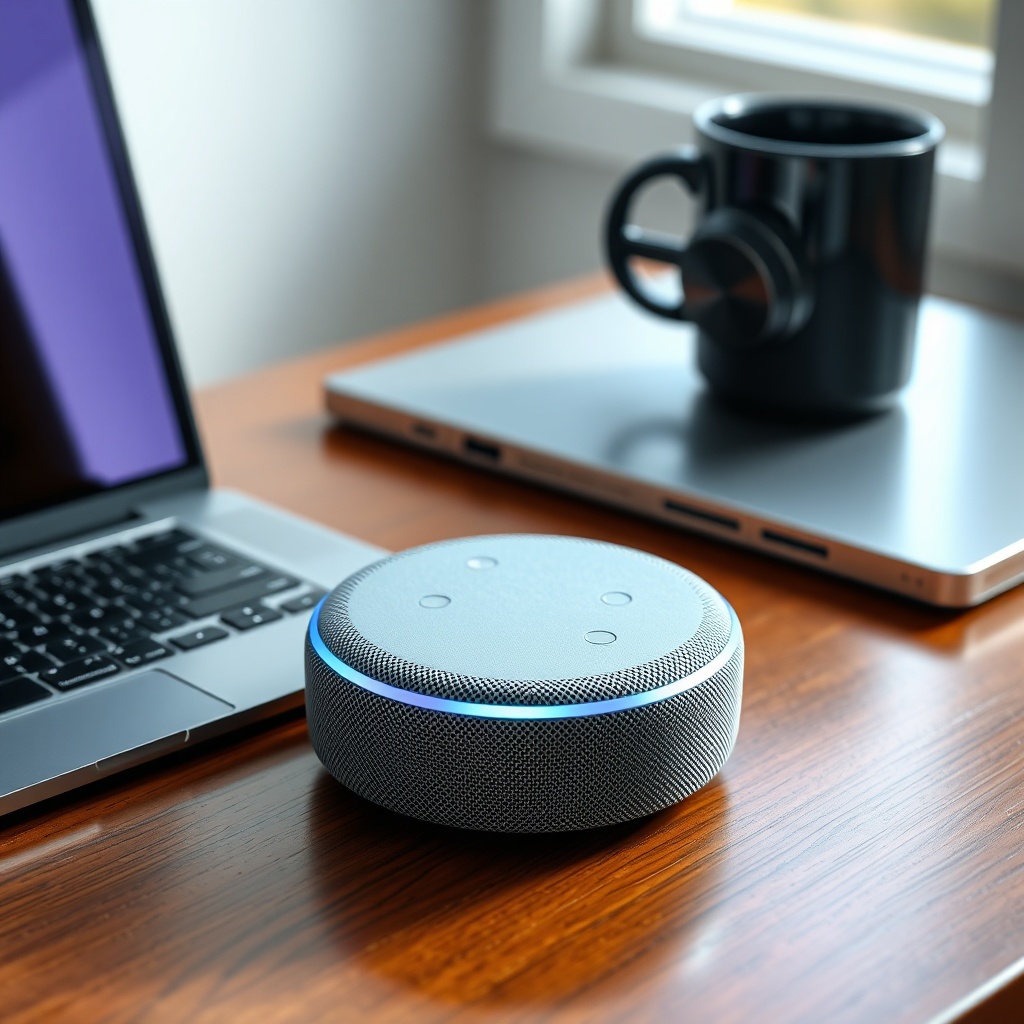
What connectivity options affect sound quality on the Echo Dot (5th Gen)?
The 5th Gen Echo Dot relies on Bluetooth 5.0 and Wi-Fi 5 (802.11ac) for audio streaming. Bluetooth is limited to SBC and AAC codecs, which means you won’t get the higher bitrates of aptX or LDAC—still, for casual listening, AAC on iOS devices sounds transparent, and SBC on Android performs adequately under 15 feet with no walls. Wi-Fi streaming via Alexa (Amazon Music, Spotify Connect) provides better latency and supports multichannel/pairing configurations.
Important: the Echo Dot lacks a 3.5mm audio output jack. If you want an auxiliary connection to a larger speaker or sound system, consider the Echo Dot with Clock (which retains the 3.5mm output) or use a Bluetooth transmitter. For stable connections, ensure your router is within 30 feet and on the 5GHz band; if you experience dropouts, our guide on Echo Dot Wi-Fi disconnects can help resolve common connectivity issues.
Is the Echo Dot (5th Gen) good for voice calls and smart home control?
Yes, the three-microphone array and improved echo cancellation make the 5th Gen a solid hands-free speakerphone for Alexa calls, Skype, and Zoom (via Alexa calling). Voice pickup range is reliable up to 20-25 feet in a quiet room; in noisy environments, the beamforming still isolates voice commands well, but you may need to speak up past 15 feet. For smart home controllers, the Echo Dot acts as a Zigbee and Matter hub, enabling direct control of compatible lights, locks, and sensors without additional bridge hardware. The audio output for voice responses is clear and intelligible, even at low volume—handy for kitchen timers or morning briefings.
If your Dot becomes unresponsive during calls or routines, refer to our Echo Dot not responding fixes for troubleshooting steps. For setting up custom automation, check the Alexa routines troubleshooting guide to ensure smooth operation.
What Owners Say
“Upgraded from a 3rd Gen and the bass is actually there now. I can hear the kick drum in rock songs clearly, whereas before it was just muddy. Also, my morning news briefing sounds much clearer.” – Verified Owner, June 2024
“I use it as a bedside alarm and for Spotify playlists. Volume is more than enough for a medium-sized bedroom, but for parties, it’s too small. Pairing two helps, but I eventually bought an Echo Studio for the living room.” – Verified Owner, July 2024
“The microphone picks up my voice from across the room even when a podcast is playing. That said, I wish it had a 3.5mm audio out—I have an old bookshelf speaker I’d rather use for music. My Dot with Clock from 2022 had that feature.” – Verified Owner, August 2024
Frequently Asked Questions
- Can I use the Echo Dot (5th Gen) as a Bluetooth speaker for my phone?
Yes. Pair via Bluetooth in the Alexa app or by voice command. The Dot will stream audio from your phone, but note the codec limit to AAC/SBC. For stereo pairing, you need two 5th Gen Dots. - Does the Echo Dot (5th Gen) have a 3.5mm audio output?
No, the standard 5th Gen Echo Dot omits the 3.5mm jack. The Echo Dot with Clock (5th Gen, with LED display) retains a 3.5mm output for wired external speakers. - Is the sound quality good enough for a party?
It’s adequate for small gatherings (up to 6-8 people in a room) at max 85dB SPL, but lack of deep bass and limited dispersion means you’re better off with the Echo Studio or a dedicated Bluetooth speaker for larger events. - Can I connect two Echo Dots for stereo sound?
Yes. Open the Alexa app, go to Devices, select your speaker, and choose “Speaker Pairing.” Both units must be 5th Gen (or both 4th Gen) for proper stereo separation. - How do I fix Bluetooth pairing issues with my Echo Dot?
First, ensure Bluetooth is enabled on your phone and the Dot is in pairing mode (blue light spinning). If problems persist, restart both devices and try again. For detailed steps, see our Echo Dot Bluetooth pairing guide. - Will the Echo Dot (5th Gen) work with my old third-party Zigbee lights?
Yes, the 5th Gen includes a built-in Zigbee radio and supports Matter over Thread/Wi-Fi. Most popular smart bulbs (Philips Hue without bridge, Sengled, etc.) should connect directly via the Alexa app.