Amazon Echo Dot vs Google Nest Audio: Which Smart Speaker Should You Buy?
Choosing between the Amazon Echo Dot (5th Gen) and the Google Nest Audio often comes down to ecosystem loyalty, but sound quality and physical size also play major roles. The Echo Dot is a compact smart speaker designed for close-range listening, while the Nest Audio aims for fuller room-filling audio. This comparison breaks down which device fits your smart home setup best, covering essential specs, real-world performance, and common frustrations.
How Do the Physical Designs Compare Between Echo Dot and Nest Audio?
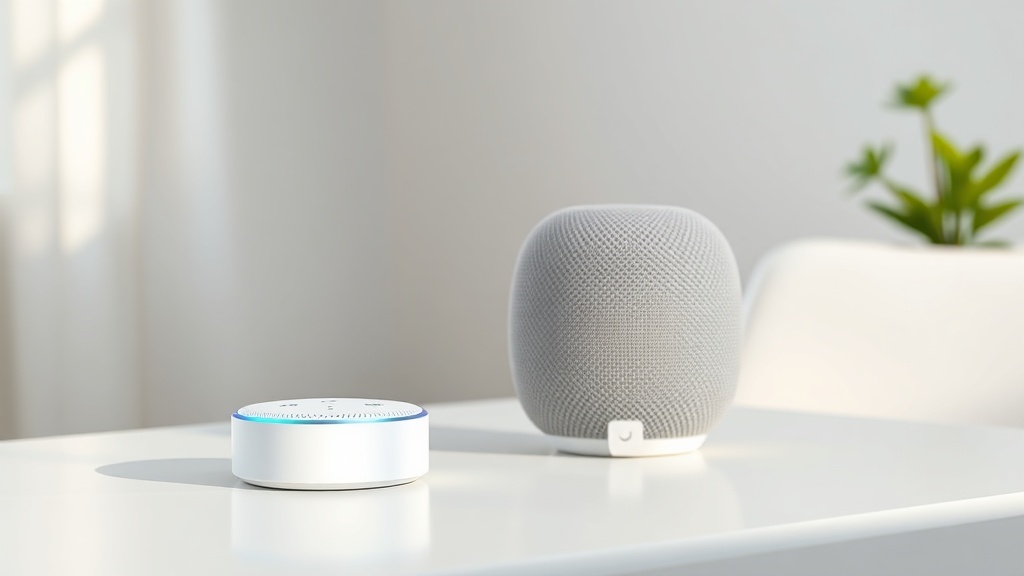
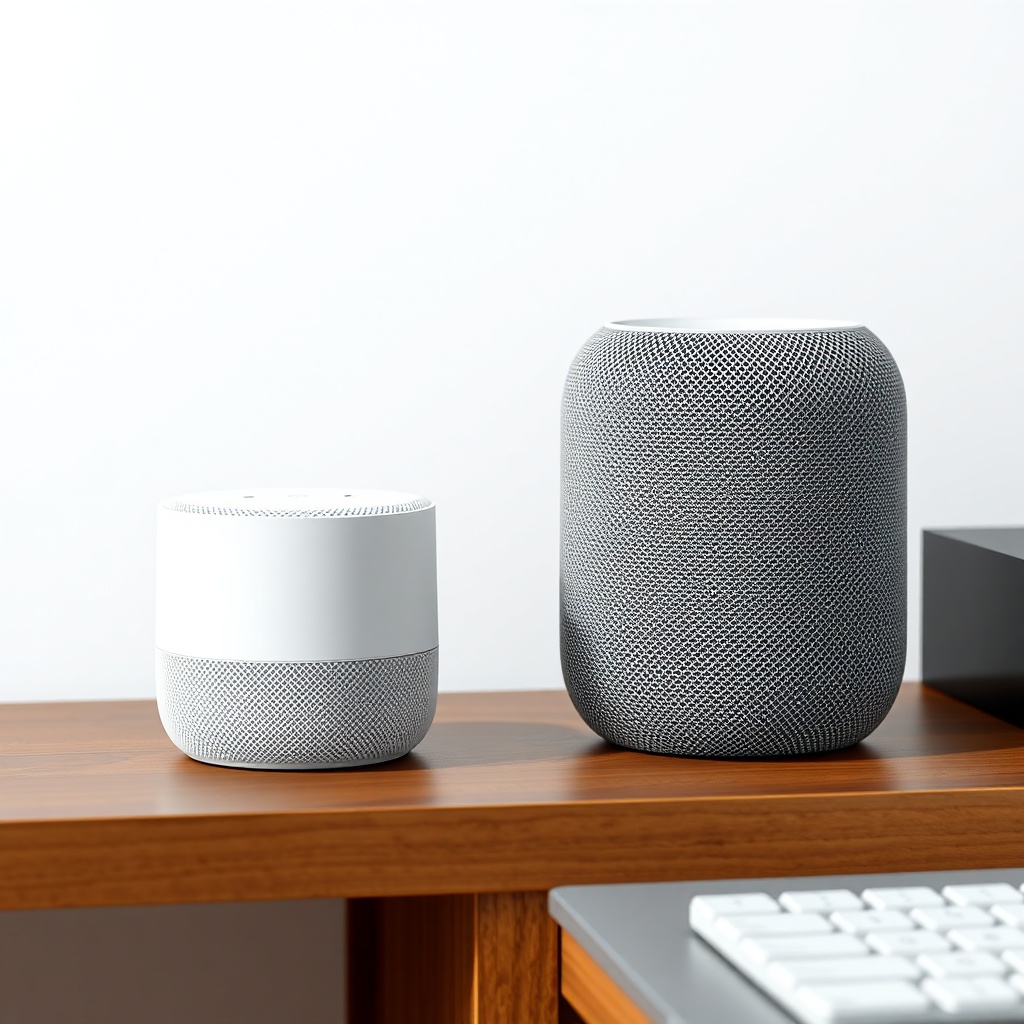
The Amazon Echo Dot (5th Gen) is a small, spherical puck that measures about 3.9 inches wide and 3.5 inches tall. It’s designed to sit on a nightstand, desk, or kitchen counter without dominating the space. The Nest Audio is noticeably larger—roughly 6.9 inches tall and 4.9 inches wide—and stands upright like a traditional speaker. Its fabric-wrapped exterior is available in several muted colours (Charcoal, Chalk, Sage, Sand), while the Echo Dot comes in Glacier White, Deep Sea Blue, and Twilight Blue.
Key physical differences matter for placement. The Echo Dot has a built-in accelerometer that can trigger Alexa routines when you tap the top—useful for snoozing alarms or pausing music without speaking. The Nest Audio relies on touch-sensitive capacitive buttons on top for volume and playback. Neither speaker has a 3.5mm auxiliary input, so you’ll need Bluetooth or Wi-Fi for audio sources.
Both speakers include an LED status light ring (Echo Dot) or four LEDs (Nest Audio) for mute and activation indicators. The Echo Dot has a physical microphone off button, while the Nest Audio uses a rear mute switch. For most users, the Echo Dot’s more compact form factor is easier to place in tight spots, but the Nest Audio’s larger size suggests it may fill a room more easily.
Which Smart Speaker Has Better Sound Quality for Music and Podcasts?
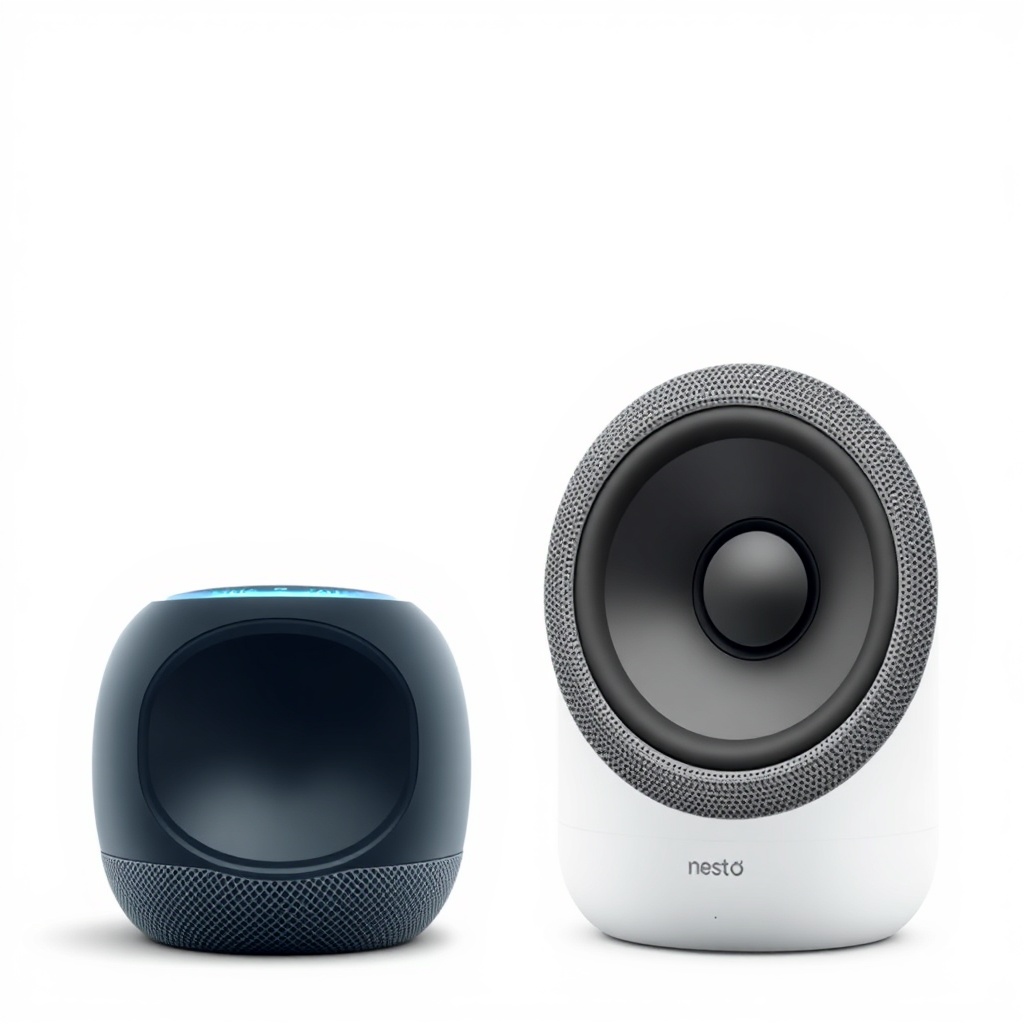
Sound quality is where these two speakers diverge significantly. The Echo Dot (5th Gen) features a 1.73-inch front-firing speaker with a passive radiator for bass enhancement. Its maximum output is around 75 dB SPL at 1 meter, which is adequate for casual listening in a small bedroom or office—but it struggles in medium-sized living rooms. Bass response extends down to approximately 80 Hz, but it can sound boomy at higher volumes due to the enclosure’s compact size.
The Google Nest Audio uses a 3-inch woofer and a 0.68-inch tweeter, delivering noticeably louder, clearer sound. Its maximum output reaches about 87 dB SPL at 1 meter, with a frequency response that stays flat from 50 Hz to 20 kHz. Midrange clarity is significantly better, making dialogue in podcasts and audiobooks easier to follow without straining. The Nest Audio also supports multi-room audio with other Nest speakers via the Google Home app, and it can pair with a second Nest Audio for stereo sound—something the Echo Dot lacks unless you use multiple Echo devices and Alexa’s multi-room music feature.
For music lovers, the Nest Audio is the clear winner here. The Echo Dot (5th Gen) is fine for background music or as a smart alarm clock, but if you plan to listen to music as a primary activity, the Nest Audio offers substantially more power and detail.
If sound quality is your priority, you might consider the Amazon Echo Dot vs Apple HomePod mini comparison, as the HomePod mini offers a different balance of size and acoustics.
How Do the Smart Features and Ecosystem Integration Differ?
This is where the Echo Dot (5th Gen) pulls ahead for users invested in Amazon’s ecosystem. Alexa supports over 100,000 smart home skills, from Philips Hue lights to Ring doorbells, and can control Zigbee devices directly via the built-in smart home hub. The Echo Dot also includes a temperature sensor and motion detector, enabling routines like turning on a fan when the room gets warm. Google Assistant on the Nest Audio is strong, with deep integration into Google services like Calendar, Maps, and YouTube Music, but its smart home skill library is smaller—around 30,000 skills. Google Nest Audio works with Zigbee only through a separate Hub or a Nest Hub Max.
If you already use Amazon services frequently—like Amazon Music, Audible, or Amazon Shopping—the Echo Dot will feel more natural. Google Assistant users will find the Nest Audio better for quick Google searches, traffic updates, and controlling Chromecast-enabled devices. Both support voice calls, but the Echo Dot uses Alexa Calling and Drop In, while the Nest Audio relies on Google Duo (which is being phased out for Google Meet). For multi-user households, both can recognise different voices if you set up voice profiles.
For detailed setup instructions, see the Amazon Echo Dot (5th Gen) Setup Guide: How to Get Started with Alexa. If you encounter issues with smart home routines, Amazon Echo Dot (5th Gen) Alexa Routines Not Working? How to Fix may help.
Can They Play Together in the Same Room or Across the House?
Both speakers support whole-home audio, but they operate on incompatible platforms. The Echo Dot can participate in an Alexa multi-room music group with other Echo devices, allowing you to play Spotify or Amazon Music simultaneously in different rooms. The Google Nest Audio can join a Google Home speaker group, which works with all Nest and Google Home speakers. However, you cannot mix Echo Dots and Nest Audio units in the same group—multi-room audio is strictly within each ecosystem.
If you want to use both in the same house, you’d need to choose one as your primary music system. A practical workaround is using a separate streaming device like a Chromecast Audio (now discontinued) for the Nest side, or using an Echo Link for the Alexa side. Most users will stick to one platform for simplicity. The Echo Dot also supports Bluetooth 5.0 output, so you can pair it with a third-party Bluetooth speaker for better sound, though this disables multi-room sync. The Nest Audio uses Bluetooth 5.0 as well, but its output is limited to syncing with compatible devices.
If you’re experiencing connectivity issues, check the Amazon Echo Dot (5th Gen) Keeps Disconnecting from Wi-Fi? Here’s the Fix article.
What Are the Price Differences and Value Propositions?
Pricing varies by region, but in the UK, the Amazon Echo Dot (5th Gen) typically retails for £49.99, while the Google Nest Audio is £89.99. In the US, the Echo Dot is $49.99, and the Nest Audio is $99.99. Both frequently go on sale during Prime Day, Black Friday, or holiday events, where the Echo Dot can drop as low as $19.99/£19.99 and the Nest Audio to $59.99/£49.99.
For the price, the Echo Dot offers excellent value if you only need basic smart speaker features like timers, weather updates, and occasional music. The Nest Audio is nearly double the cost, but you’re paying for significantly better sound quality and a larger driver. If budget is tight, the Echo Dot is the smart buy. If you care about audio fidelity and can stretch your budget, the Nest Audio justifies its higher price tag.
Here’s a quick specification comparison:
| Specification | Amazon Echo Dot (5th Gen) | Google Nest Audio |
|---|---|---|
| Speaker Driver | 1.73-inch front-firing + passive radiator | 3-inch woofer + 0.68-inch tweeter |
| Max Volume (SPL at 1m) | 75 dB | 87 dB |
| Frequency Response | 80 Hz – 20 kHz | 50 Hz – 20 kHz |
| Smart Home Hub | Zigbee (built-in) | None (needs separate hub) |
| Microphones | 4 far-field | 3 far-field |
| Dimensions (H x W) | 3.5 x 3.9 inches | 6.9 x 4.9 inches |
| Weight | 340g | 1.1kg |
| Connectivity | 802.11ac Wi-Fi, Bluetooth 5.0 | 802.11ac Wi-Fi, Bluetooth 5.0 |
| Price (UK) | £49.99 | £89.99 |
| Price (US) | $49.99 | $99.99 |
Which Speaker Is More Reliable for Everyday Use?
Reliability is subjective, but common complaints paint a picture. The Echo Dot (5th Gen) suffers occasional Wi-Fi disconnects, especially on 5GHz networks—users report Alexa dropping offline randomly, requiring a restart. Bluetooth pairing can also be finicky, as covered in Amazon Echo Dot (5th Gen) Bluetooth Pairing Issues: Solutions. Overall, the Echo Dot is stable once set up properly, but its budget hardware means less processing power for complex voice commands, leading to occasional lag.
The Google Nest Audio is generally more robust, with fewer Wi-Fi dropouts and faster response times thanks to a more powerful processor. However, it can struggle with multi-user voice recognition if voices sound similar, and some users report the mute switch becoming unresponsive over time. Both devices receive regular firmware updates, but the Nest Audio has a longer track record of software stability. If you’ve already experienced issues with an Echo Dot, the Amazon Echo Dot (5th Gen) Not Responding? Quick Fixes to Try might resolve them before switching platforms.
For sound quality specifics, read our dedicated Amazon Echo Dot (5th Gen) Sound Quality and Specs: What You Need to Know article.
What Owners Say
Real-world feedback from owners highlights a few consistent points. Many Echo Dot (5th Gen) buyers appreciate the low price and small footprint, but they often note the sound lacks bass punch for music they’d actually enjoy. One user commented: “It’s fine for my morning news and setting timers, but I wouldn’t host a party with it.” Another pointed out: “My Nest Audio sounds three times better for podcasts and music, but it takes up way more space on my shelf.”
On the Nest Audio side, owners frequently praise the clear, balanced audio and consistent Google Assistant responses. However, some express frustration with the limited smart home integrations compared to Alexa: “I love the sound, but I had to buy a separate hub just to control my Zigbee lights—my friend’s Echo Dot did it out of the box.” A third owner summarised the trade-off: “If you’re starting from scratch and care about music, get the Nest Audio. If you just want a voice assistant for daily tasks, the Echo Dot is enough.”
Frequently Asked Questions
1. Can the Amazon Echo Dot (5th Gen) work without Wi-Fi for music?
No, the Echo Dot requires a Wi-Fi or Bluetooth connection to stream music. It can play locally stored media only if you stream via Bluetooth from a paired phone, which still uses the phone’s connection.
2. Does the Google Nest Audio support Spotify Connect?
Yes, the Nest Audio supports Spotify Connect, allowing you to control playback directly from the Spotify app. It also works with YouTube Music, Apple Music, and Deezer.
3. How do I reset the Amazon Echo Dot (5th Gen)?
Press and hold the Action button (the dot button) for 20 seconds until the LED ring turns orange, then blue. Release and follow the setup process again.
4. Can I use the Google Nest Audio as a Bluetooth speaker for my laptop?
Yes, you can pair the Nest Audio with any Bluetooth-capable device, including laptops, phones, and tablets. Just enable pairing mode in the Google Home app and connect from your device.
5. Does the Echo Dot (5th Gen) support Dolby Atmos?
No, the Echo Dot (5th Gen) does not support Dolby Atmos. It uses standard stereo output. For spatial audio support, consider the Amazon Echo Studio.
6. Which smart speaker has better voice recognition accuracy?
Both are comparable, but the Echo Dot’s four microphones give it a slight edge in noisy environments. The Nest Audio’s three microphones are fine in quiet rooms but can struggle with multiple people talking.