Amazon Echo Dot vs Apple HomePod mini: Which One Fits Your Smart Home?
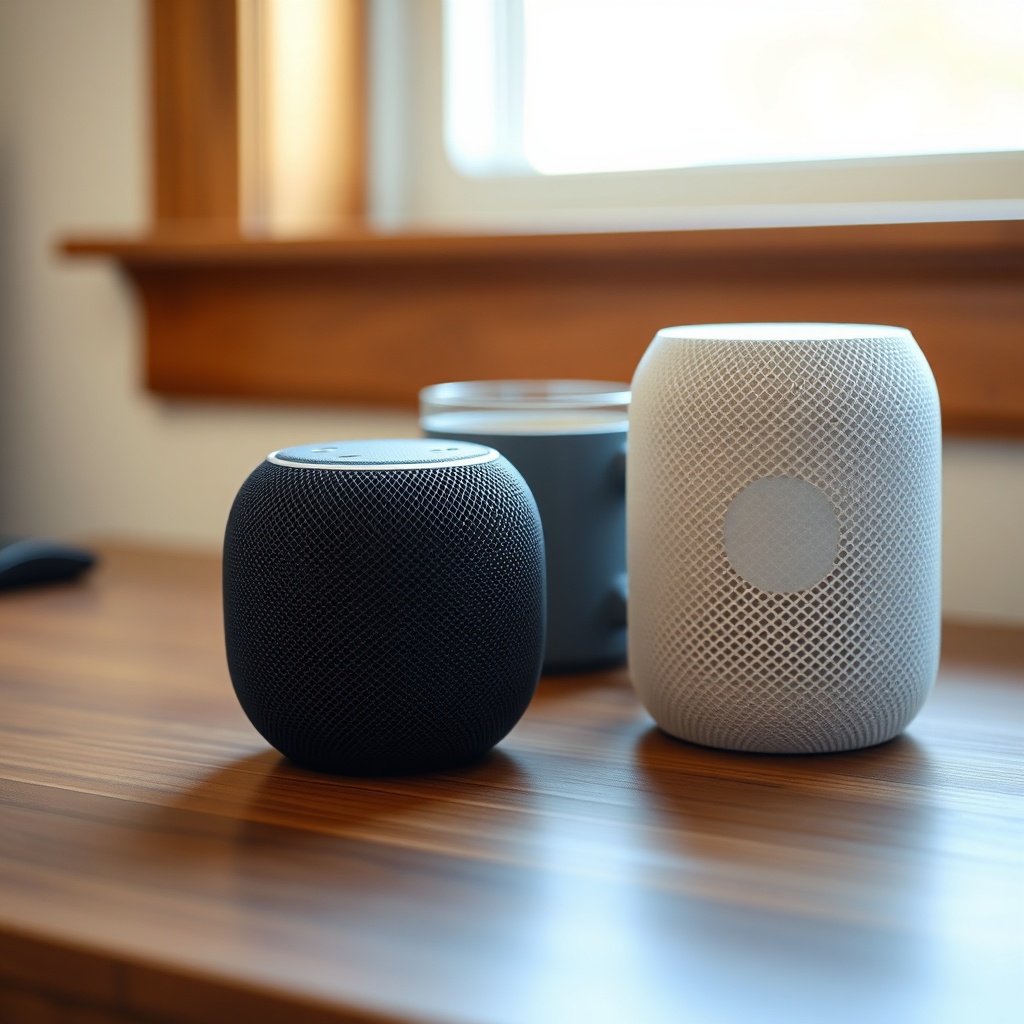
Choosing between the Amazon Echo Dot (5th Gen) and the Apple HomePod mini is a classic smart home dilemma. Both are compact, powerful smart speakers, but they cater to fundamentally different ecosystems. This comparison breaks down the practical differences in sound, smart home control, usability, and long-term value to help you decide which device belongs on your nightstand or kitchen counter.
How Do the Sound Quality and Bass Compare Between the Echo Dot (5th Gen) and HomePod mini?
The Amazon Echo Dot (5th Gen) uses a 1.73-inch front-firing speaker with a passive bass radiator. It delivers surprisingly full mids for its size, but the bass remains polite—think acoustic folk or podcast clarity rather than thumping kick drums. Maximum volume is adequate for a bedroom or small living area, but it distorts slightly at max output on bass-heavy tracks.
The Apple HomePod mini, by contrast, employs a custom high-excursion woofer and dual passive radiators, driven by Apple’s S5 chip with real-time audio tuning. It produces tighter, more articulate bass and a wider soundstage. The HomePod mini can fill a medium-sized room with clean, balanced audio, and its computational audio adapts to room placement. If you listen to diverse music genres at moderate to louder volumes, the HomePod mini is the clear winner in fidelity and dynamic range.
However, for voice clarity during audiobooks, podcasts, or voice assistant queries, both are excellent. The Echo Dot (5th Gen) has a slight edge for spoken word due to its focused forward projection. For more detail on the Echo Dot’s audio capabilities and frequency response, see our Amazon Echo Dot (5th Gen) Sound Quality and Specs article.
Which Smart Home Ecosystem Offers Better Device Compatibility?
This is the dealbreaker for most users. The Amazon Echo Dot (5th Gen) runs on Alexa, which works with tens of thousands of smart home devices—from lights, plugs, and thermostats to security cameras, locks, and even smart appliances. Alexa supports Matter, Zigbee (via a separate hub or the Echo Plus), and Wi-Fi. You can control everything with a single voice command, and Alexa routines let you chain actions like “turn off lights and lock the door” with one phrase.
The Apple HomePod mini uses Siri and operates within Apple’s HomeKit ecosystem. HomeKit is more selective about device compatibility: you need a “Works with Apple HomeKit” badge. While this often means more reliable and privacy-focused connections, the selection is narrower. You can bridge some non-HomeKit devices via a Homebridge setup, but that requires technical know-how. If you already own dozens of smart lights, plugs, or sensors from brands like Philips Hue or TP-Link Kasa, check which ecosystem they natively support. Alexa’s wider compatibility makes the Echo Dot (5th Gen) the safer bet for a mixed-brand smart home.
Are the Voice Assistants – Alexa vs Siri – Equally Useful for Daily Tasks?
Alexa on the Echo Dot (5th Gen) is a mature, battle-tested assistant. It excels at open-ended requests: “Alexa, set a timer for 15 minutes,” “Alexa, what’s the weather in Tokyo tomorrow,” or “Alexa, play my playlist from Spotify.” Alexa supports thousands of “skills”—third-party apps for ordering pizza, checking the news, or controlling a robot vacuum. The response speed is immediate, and reliability in multi-part requests is high.
Siri on the HomePod mini is more constrained and conversational. It handles the basics—timers, alarms, messages, phone calls—flawlessly, but struggles with open-ended or multi-step tasks. Siri can’t natively set a recurring timer or control a smart device from a brand without HomeKit support. However, for iOS users deeply integrated with Apple’s ecosystem (like sending iMessages, checking Apple Calendar events, or controlling Apple Music), Siri feels seamless. If you use Amazon Music, Spotify, or Google Calendar as your primary services, Alexa offers far better integration.
How Does the Physical Design and Setup Process Differ?
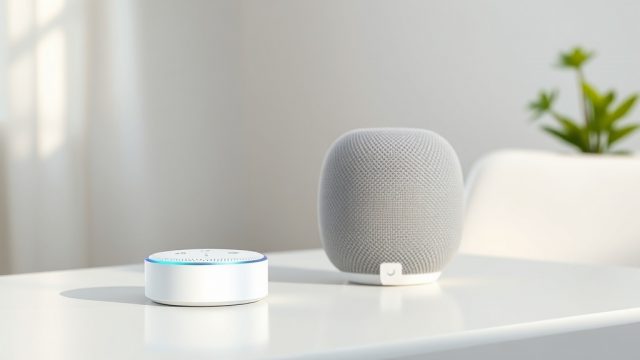
The Echo Dot (5th Gen) is a compact sphere, about 3.5 inches in diameter, with four physical buttons on top (volume up/down, action, microphone off). Setup is via the Alexa app (iOS/Android), which guides you through Wi-Fi connection, account linking, and device discovery. The whole process takes 5–10 minutes. The device uses a standard USB-C power adapter (included). You can also wall-mount it using a third-party bracket.
The HomePod mini is similar in size (3.9 inches tall and wide) but wrapped in a seamless mesh fabric with a touch-sensitive top surface. Setup for an iPhone user is elegantly simple: just hold your iPhone nearby and it automatically transfers your Apple ID, Wi-Fi, and preferences. For Android users—yes, you can technically set it up via the Home app on an iPad, but it’s clunky. The HomePod mini requires a 20W USB-C power adapter (included). Both devices are easy to place and look good in any room, but the HomePod mini’s built-in UWB chip enables handoff from an iPhone, which the Echo Dot lacks.
What Are the Key Price and Privacy Considerations?
| Feature | Amazon Echo Dot (5th Gen) | Apple HomePod mini |
|---|---|---|
| Price (retail, USD) | $49.99 | $99.99 |
| Price (retail, GBP) | £54.99 | £99.99 |
| Voice Assistant | Alexa | Siri |
| Smart Home Hub | Alexa (Zigbee via separate hub) | HomeKit via Matter |
| Speaker Size | 1.73″ front-firing + passive radiator | Custom high-excursion woofer + dual passive radiators |
| Audio Output | Good mids, polite bass | Rich, full-range with room tuning |
| Max Volume | Medium room (moderate distortion at max) | Large room (clean at high volume) |
| Microphone Array | 4 far-field | 4 far-field |
| Wi-Fi Standard | Wi-Fi 5 (802.11ac) | Wi-Fi 5 (802.11ac) |
| Bluetooth | Bluetooth 5.0 + A2DP | Bluetooth 5.0 (only for setup) |
| Privacy Features | Mic off button, can delete voice history | Always-on Siri with local processing (no recording until “Hey Siri” detected) |
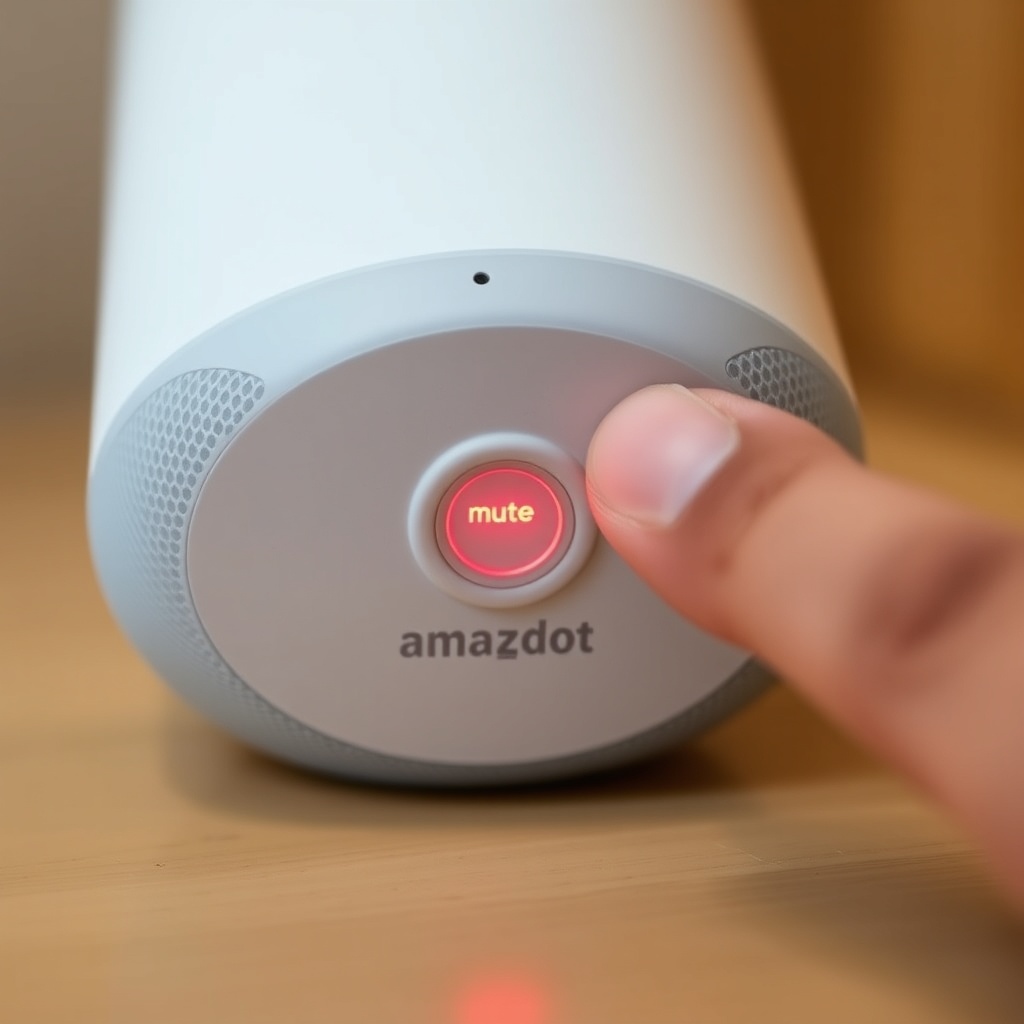
Privacy is a top concern for both. The Echo Dot (5th Gen) has a physical microphone mute button, and you can review and delete your voice recordings via the Alexa app or by saying “Alexa, delete everything I said today.” Amazon does use some voice data for improving services, but you can opt out. The HomePod mini keeps all Siri processing on-device as much as possible; only the voice request itself is sent to Apple’s servers. Apple’s privacy stance is generally preferred by those who are cautious about voice data. However, the Echo Dot is half the price, which matters if you’re buying several units for multiple rooms.
What Owners Say
Real-world users offer practical insights that go beyond spec sheets. Echo Dot (5th Gen) owners frequently note that while the sound is surprisingly good for the size, they had to tweak the equalizer in the Alexa app to reduce muddy mids. Many appreciate the simple voice commands for timers and alarms, but a few report that Alexa occasionally mishears requests in noisy kitchens. One owner said, “I bought two for the bedroom and living room. For the price, it’s a no-brainer for controlling lights. Just keep your expectations in check for music.”
HomePod mini owners are almost unanimous about the audio quality being “magical” for its size. The biggest point of frustration, however, is Siri’s limited capability with routines and third-party smart home devices. A seasoned HomeKit user explained, “It sounds incredible, but I had to give up my cheap Wi-Fi plugs because they wouldn’t work with HomeKit. It forced me to buy more expensive HomeKit-compatible ones.” Another owner mentioned that the handoff feature from iPhone is smooth but wastes battery if you accidentally tap the top of the HomePod regularly.
If you encounter any specific issues with your Echo Dot, our troubleshooting guides can help: Echo Dot Not Responding? Quick Fixes and Wi-Fi Disconnects Fix address common connectivity problems. For routine-related issues, Alexa Routines Troubleshooting is a dedicated resource.
Frequently Asked Questions
Can the Echo Dot (5th Gen) or HomePod mini work without the internet?
Both devices require an internet connection for most functions. The Echo Dot (5th Gen) can set a timer or alarm locally, but basic voice assistance and music streaming need Wi-Fi. The HomePod mini can control local HomeKit devices with an internet connection down, but Siri cannot process voice requests without a network. Neither works as a standalone Bluetooth speaker without power.
Which one is better for someone who uses both Android and iPhone?
The Amazon Echo Dot (5th Gen) is significantly better for mixed-device households. The Alexa app works smoothly on both iOS and Android. The HomePod mini is tightly integrated with iPhone, iPad, and Mac; while you can play audio from an Android phone via AirPlay on the HomePod (if set up with an iOS device first), the experience is very limited. For Android-first users, the Echo Dot is the practical choice.
Can I use the Echo Dot (5th Gen) as a Bluetooth speaker for my TV or laptop?
Yes. The Echo Dot (5th Gen) supports Bluetooth 5.0 and can connect to any Bluetooth source (phone, tablet, computer, TV with BT) for audio streaming. It works as a standard speaker for YouTube, podcasts, or music. The HomePod mini only supports AirPlay; it cannot be used as a generic Bluetooth speaker. This is a critical difference for many users.
Do both smart speakers support multi-room audio?
Yes, but differently. The Echo Dot (5th Gen) uses Alexa’s native multi-room music feature to synchronise with other Echo devices. You can group speakers by room and play the same song across your house. The HomePod mini supports multi-room via AirPlay 2, which works across any AirPlay 2-compatible speakers (including HomePod, Sonos, and others). Both work well, but AirPlay 2 audio sync is slightly tighter across different brands.
How long do they typically last before needing replacement?
With typical daily use and proper care, the Echo Dot (5th Gen) lasts 3–5 years before hardware degradation (especially the battery if you use the always-on feature for alarms). The HomePod mini has a similar lifespan, but its sealed design makes repair difficult. Both receive software updates for at least 5 years after launch. The Echo Dot’s replaceable USB power adapter is an advantage over the HomePod’s built-in cable.
Which one is better for making hands-free calls?
Both support voice-initiated calls. The Echo Dot (5th Gen) can call any number via Alexa calling (works across Echo devices and the Alexa app) or through Skype if linked. It does not support standard phone calls by default. The HomePod mini can make and receive iPhone calls (via Continuity), which includes standard mobile calls and FaceTime audio. For true phone call replacement, the HomePod mini (with an iPhone) is better. For home intercom-style calling between rooms, the Echo Dot wins with Drop In and announcement features.