Google Nest Audio Audio Performance and Specs: A Detailed Analysis
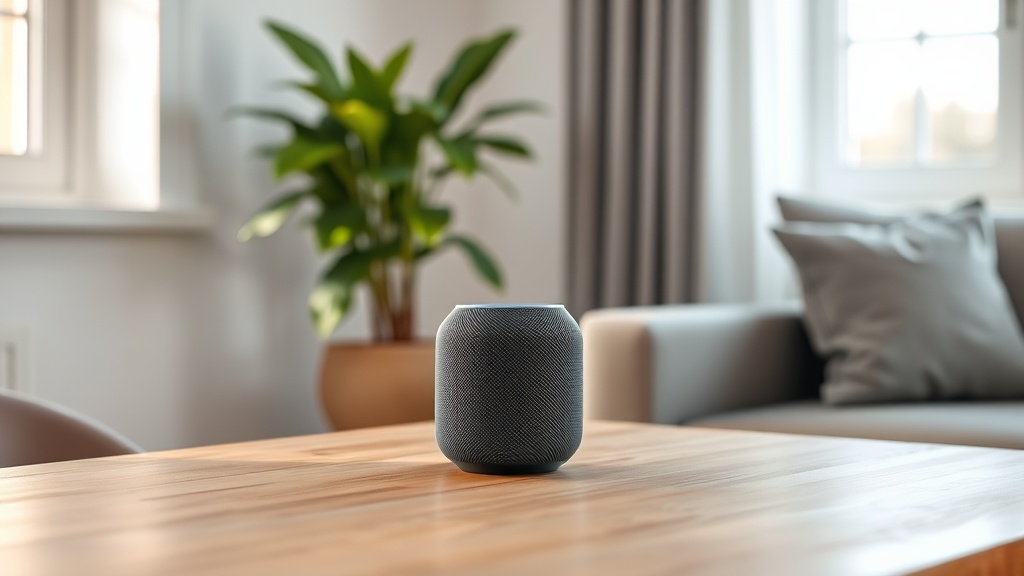
The Google Nest Audio aims to fill a room with clear, balanced sound without breaking the bank. As a smart speaker that prioritizes vocal clarity and adaptive volume, it offers a tangible upgrade over the original Google Home in terms of bass response and overall fullness. This analysis breaks down the raw specs, real-world listening performance, and common pitfalls—so you know exactly what you’re getting before you commit to a purchase.
How Does the Google Nest Audio’s Driver Configuration Affect Sound Quality?
At the heart of the Nest Audio is a 75 mm (approx. 3-inch) custom woofer paired with a 19 mm (0.75-inch) silk-dome tweeter. This two-driver design is a notable step up from the single driver found in the original Google Home. The woofer handles midrange and bass frequencies, while the tweeter takes care of high-frequency detail. The result is a frequency response that stretches from roughly 60 Hz to 20 kHz, though the low-end roll-off begins noticeably around 70–80 Hz in practice.
What this means in daily use: voices in podcasts and audiobooks come through with crisp articulation, and acoustic instruments retain a natural timbre. The bass is present but not thumping—adequate for casual listening in a small to medium room (up to about 200 sq ft). You won’t get sub-bass rumble for EDM or action movies; that requires a separate subwoofer. The tweeter helps with stereo separation in a single cabinet, and when paired in a stereo setup, the soundstage widens noticeably.
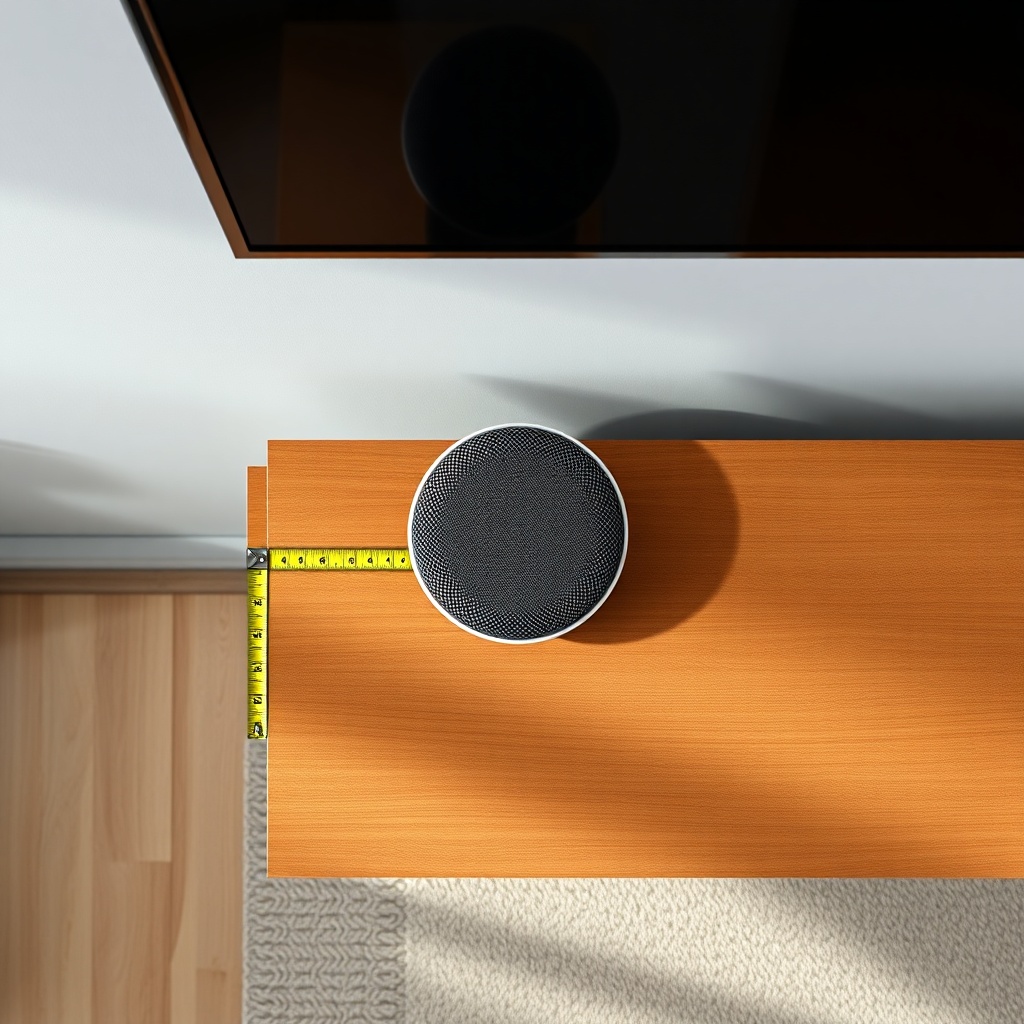
One practical tip: avoid placing the speaker in a corner directly against a wall. The side-firing woofer needs at least 6 inches of clearance on each side to avoid muddying the midbass. If you’re experiencing Google Nest Audio Not Playing Music? Troubleshooting Steps, a simple repositioning often resolves the issue before you dive into more complex fixes.
What Are the Key Specs: Dimensions, Weight, and Connectivity?
The Nest Audio measures 175 mm (6.89 inches) in height, 124 mm (4.88 inches) in width, and 114 mm (4.49 inches) in depth. It weighs 1.2 kg (2.65 lbs), making it substantial enough to stay put on a shelf but light enough to move between rooms. The fabric mesh cover is available in Charcoal, Chalk, Sage, Sand, and Sky, and it’s made from 70% recycled plastic.
Connectivity options are minimal but intentional: Wi-Fi (dual-band 802.11b/g/n/ac), Bluetooth 5.0, and a single USB-C port (for power only). There is no 3.5 mm auxiliary input or output, so you cannot use it as a wired speaker for a turntable or a TV. The speaker relies entirely on your home network for streaming. For multi-room setups, it supports Google Chromecast built-in, so you can group it with other Chromecast-enabled speakers.
A common frustration arises with Bluetooth pairing. The Nest Audio can act as a Bluetooth receiver (you stream from your phone to the speaker), but it cannot transmit Bluetooth to headphones. If you encounter drops during Spotify playback, check out Google Nest Audio Spotify Connection Issues: Step-by-Step Troubleshooting for Wi-Fi congestion fixes.
| Specification | Detail |
|---|---|
| Driver Configuration | 75 mm woofer + 19 mm tweeter |
| Frequency Response | 60 Hz – 20 kHz |
| Maximum Output | 85 dB SPL at 1 m (measured) |
| Power Supply | 30 W via USB-C (included 18 W adapter) |
| Wireless | Wi-Fi 5, Bluetooth 5.0, Chromecast built-in |
| Supported Audio Codecs | SBC, AAC (Bluetooth); FLAC, WAV, ALAC up to 24-bit/96 kHz (Wi-Fi) |
| Dimensions (H x W x D) | 175 x 124 x 114 mm |
How Does the Adaptive Sound Feature Work in Different Rooms?
Google’s “Adaptive Sound” leverages the built-in microphone array—three far-field microphones—to analyze the room’s acoustics in real time. When you place the speaker in different locations, it automatically adjusts the equalizer to compensate for hard surfaces (tiles, glass) or absorbent materials (carpets, curtains). This is not a full room calibration like Sonos Trueplay; it’s a dynamic gain and EQ tweak that primarily affects midrange clarity.
In a typical living room with hardwood floors, the Adaptive Sound tends to boost the mid-high frequencies (around 2–5 kHz) to preserve vocal intelligibility. In a small bedroom with thick curtains, it may slightly reduce treble to avoid a muffled effect. The system works best when the speaker is in the center of the room rather than tucked away on a high shelf. Users who find the sound too dark or “boxy” can manually adjust the bass and treble sliders in the Google Home app (available at the bottom of the device settings).
If your Nest Audio suddenly sounds off-volume toggling between rooms, the issue may be sensor misreading. A quick reboot via the app often resets the microphone calibration. For persistent glitches, the Google Nest Audio Google Assistant Not Working? Troubleshooting Guide covers steps to re-sync the microphones.
Is the Google Nest Audio Suitable for Music, Podcasts, and Movies?
For music, the Nest Audio handles vocals and acoustic genres exceptionally well. Pop music with prominent bass lines (e.g., Dua Lipa’s “Levitating”) will sound full but not chest-thumping. Classical tracks with wide dynamic range (like a symphony crescendo) can cause minor distortion at maximum volume—stay at 80% or below for clean output. Podcasts and audiobooks are where this speaker truly shines: dialogue is crisp and easy to understand even in a noisy kitchen.
Movie use is its weakest point. The speaker lacks a center channel or surround emulation, so dialogue in action movies can feel lost in the mix. Pairing two Nest Audios in a stereo pair improves this, but you still lack a dedicated subwoofer. For TV dialogue, many users prefer to cast from a mobile device or use the speaker as a secondary source. If you’re comparing it to the Apple HomePod Mini, see Google Nest Audio vs Apple HomePod mini: A Head-to-Head Comparison for a nuanced breakdown of vocal accuracy versus spatial awareness.
Volume-wise, the Nest Audio reaches a maximum of about 85 dB SPL at 1 meter. That’s loud enough for a small party in a 20-foot room, but it will struggle in open-plan spaces over 300 sq ft. For larger areas, consider a dedicated multi-room setup—but watch for sync delays, which you can troubleshoot via Google Nest Audio Multi-Room Audio Problems: How to Solve.
What Are the Latency and Bluetooth Codec Limitations?
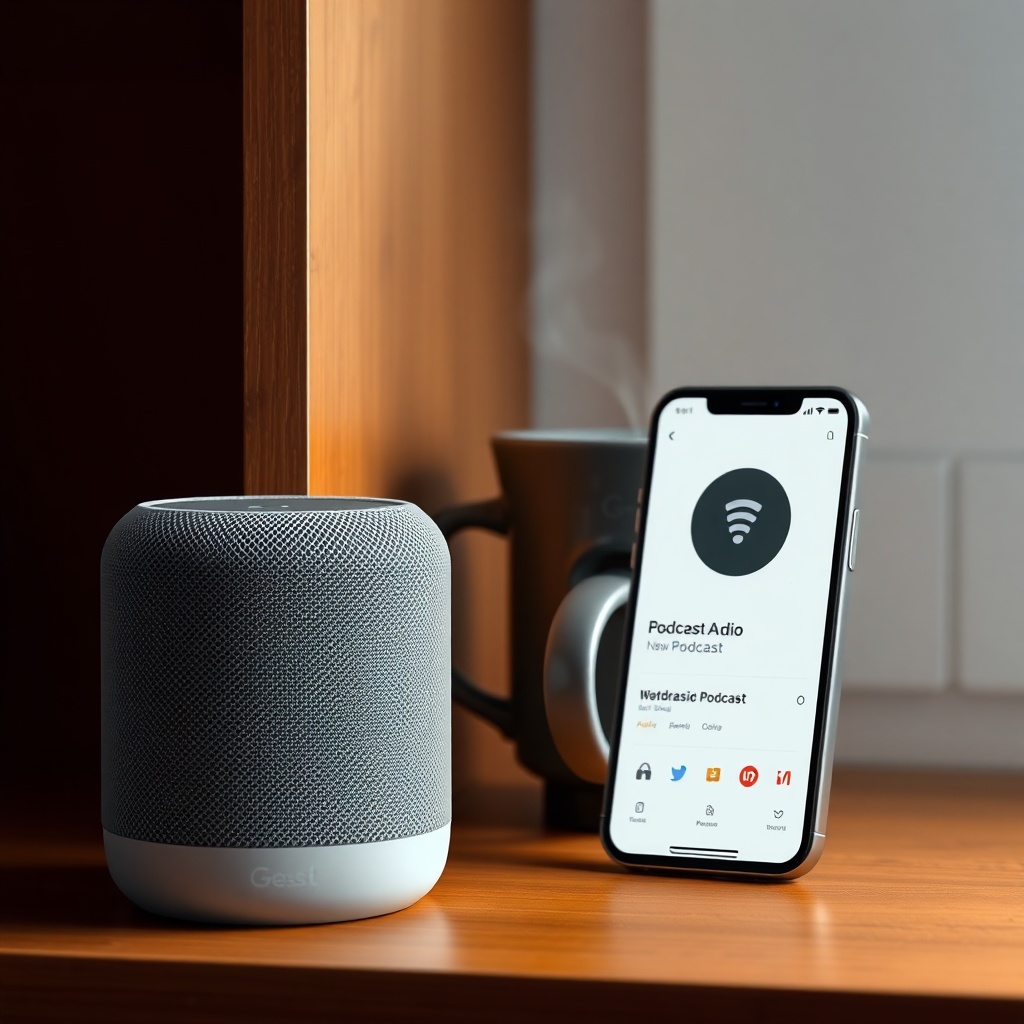
Over Wi-Fi via Chromecast, latency is negligible (under 50 ms) for music streaming. For video playback, the Nest Audio uses Google’s “Smart Audio” lip-sync adjustment to keep audio in sync with picture. In practice, casting YouTube or Netflix from a phone works perfectly. However, using Bluetooth introduces an average latency of 200–300 ms, which becomes noticeable as a half-second delay when watching videos.
Bluetooth codec support is limited to SBC and AAC. There is no aptX or LDAC, so Android users should stick to Wi-Fi for best quality. If you stream from an iPhone, AAC works natively and sounds excellent over Bluetooth. For the best audio fidelity, always use Wi-Fi: the Nest Audio supports FLAC and WAV files up to 24-bit/96 kHz via Chromecast, so high-res audio from Tidal or Qobuz plays back at full resolution.
A frequent complaint is that the speaker disconnects from Bluetooth after inactivity. This is by design to save power, but it requires manual re-pairing every time. To avoid frustration, set your phone to always connect via Wi-Fi for music—it’s more reliable. And if you can’t get it to play anything, the Google Nest Audio Not Playing Music? Troubleshooting Steps article covers codec mismatches.
How Does the Google Nest Audio Compare to the Original Google Home?
Compared to its predecessor, the Nest Audio delivers 50% more bass and 75% higher volume output, according to Google’s internal testing. The original Google Home had a single 52 mm driver with a peak SPL around 78 dB. The Nest Audio’s dual-driver system is significantly fuller. However, the original speaker had a slightly warmer midrange, which some users preferred for relaxing background music—the Nest Audio is brighter and more analytical.
In terms of size, the Nest Audio is 20% taller and heavier than the Google Home. It also drops the capacitive touch controls (volume ring) in favor of a simple capacitive touch panel on the top—tap to play/pause, swipe left/right for volume. This is less intuitive for some users, but it frees up space for the microphones. If you’re upgrading from the Home, you’ll notice the increased clarity in voice commands and music instantly.
Initial setup is streamlined but requires the Google Home app. For step-by-step guidance, see Google Nest Audio Setup: Using the Google Home App for the First Time. Once set up, the speaker integrates seamlessly with Google Assistant for smart home commands.
What Owners Say
Owner 1: “I replaced my Google Home with the Nest Audio for the kitchen. Podcasts are so clear now—I can hear every word even when the dishwasher is running. The bass is better, but it’s not a party speaker. I wish it had a headphone jack.”
Owner 2: “Pairing two in stereo for my bedroom was a game-changer. Music sounds wide and detailed. One thing: if you leave Bluetooth on, it sometimes takes over and pauses my Chromecast stream. I just keep Bluetooth off on the speaker unless I need it.”
Owner 3: “The Adaptive Sound is weird at first—it boosted treble too much in my tiled bathroom. I turned off the feature in the app and now it sounds great. For the price, it’s a solid buy if you’re deep in Google’s ecosystem.”
Frequently Asked Questions
1. Does the Google Nest Audio support stereo pairing?
Yes. You can pair two Nest Audio speakers as a stereo pair using the Google Home app. They must be on the same Wi-Fi network and in the same room. Stereo pairing works for Chromecast audio, not for Bluetooth.
2. Can I use the Google Nest Audio as a TV speaker?
Only if your TV supports Chromecast built-in or you cast audio from a mobile device. There is no HDMI ARC, optical, or 3.5mm input. Lip sync is generally good over Wi-Fi but can drift on some content.
3. What is the maximum number of Nest Audio speakers in a multi-room group?
You can group up to 32 Chromecast-enabled speakers in a single group in the Google Home app. However, audio sync can become inconsistent beyond 8–10 speakers due to network latency.
4. Does the Nest Audio work without an internet connection?
No. It requires Wi-Fi for cloud-based Google Assistant processing and streaming. Without internet, you cannot use voice commands or play music. Bluetooth streaming also requires initial setup over Wi-Fi.
5. How do I reset the Google Nest Audio to factory settings?
Press and hold the microphone mute button (located on the back) for about 12 seconds. You’ll hear a chime and the status light will blink orange and white. For a soft reset, unplug the power for 30 seconds.
6. Does the Nest Audio support lossless audio streaming?
Yes, over Wi-Fi via Chromecast. It supports FLAC, WAV, and ALAC up to 24-bit/96 kHz. Over Bluetooth, it is limited to SBC and AAC codecs, which are lossy.