
Amazon Echo Dot (5th Gen) Microphone Muting Issues: Causes and Fixes
The Amazon Echo Dot (5th Gen) is a compact smart speaker that relies heavily on its far-field microphones to respond to Alexa commands. However, users across the UK and US have reported occasional muting problems where the device either stops hearing voice prompts or refuses to un-mute even after pressing the action button. This guide walks through the most common causes—from accidental button presses to firmware glitches—and provides step-by-step fixes to restore full Alexa functionality.
Why Does My Echo Dot (5th Gen) Randomly Mute Itself?
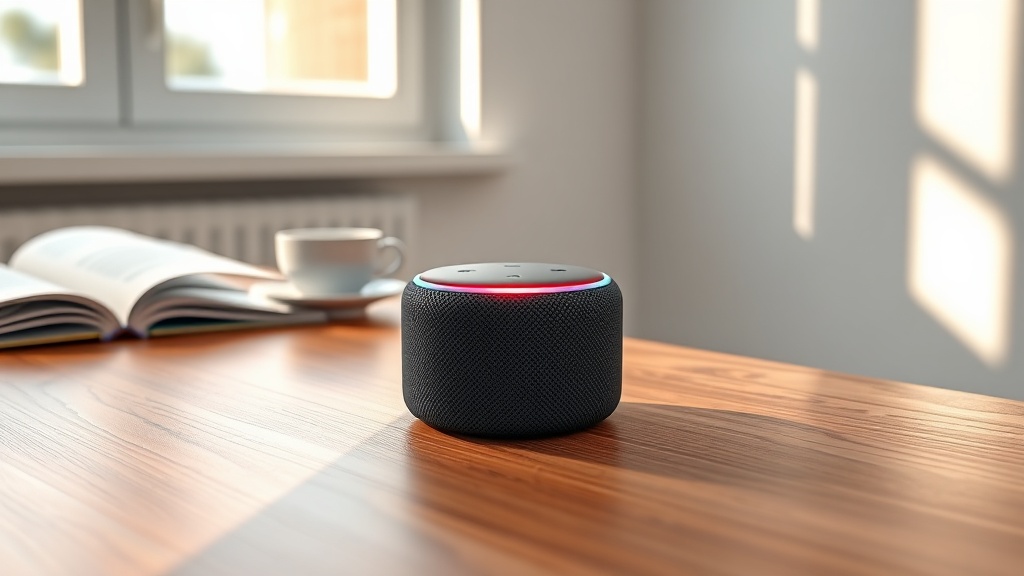
Many owners notice the microphone ring turns red without warning, indicating the mic is physically disabled. The most frequent culprit is the action button on top of the device being pressed inadvertently by a pet, a cleaning cloth, or an over-eager child. On the 5th Gen, this button sits flush with the housing, making it possible for a fabric cover or even a vibrating surface to trigger it.
Another cause is a software bug in the Alexa app where the microphone privacy setting gets toggled by outdated routines. If you’ve recently added or modified an Alexa Routine through the Echo Dot Alexa Routines troubleshooting guide, check whether you accidentally included a “disable microphone” action. A third possibility is a stuck button due to debris or oily residue, which keeps the circuit shorted in mute mode.
Lastly, some Echo Dot units experience rare firmware corruption after a failed over-the-air update. This can cause the microphone status LED to remain red even after a normal power cycle. In such cases, a full factory reset is often the only solution.
How Can I Tell if the Microphone Is Actually Muted vs. Broken?
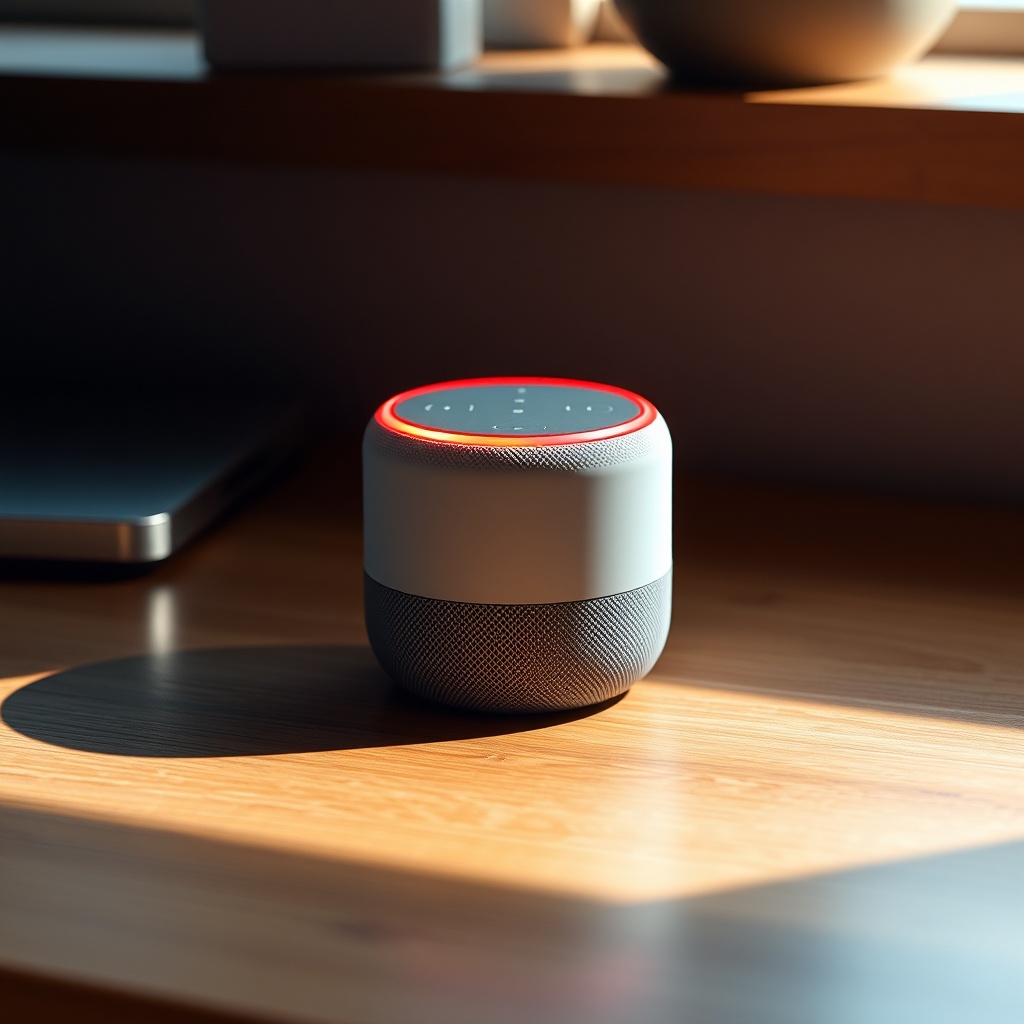
When the microphone ring glows solid red, the device has its internal audio feed physically disconnected. This is a hardware-level block—Alexa cannot hear anything even if the playback volume is loud. A broken microphone (due to a fall or liquid damage) typically shows constant green or no light at all, and the device may still flash but never register voice commands.
To distinguish between muting and hardware failure:
- Check the action button: Tap it once. A red ring turning off indicates normal un-mute. If it stays red or flickers, the button may be stuck.
- Run a voice test: Say “Alexa, ping”. If there is no response despite a green light, the microphone array may be damaged.
- Use the Alexa app: Open Settings > Device Settings > (your Echo Dot) > Device Status. A status of “Microphone: On” suggests software is fine; “Microphone: Off” means the app sees a mute state.
If the app shows the mic is on but the hardware is unresponsive, you likely have a hardware fault. For context on sound output performance when the mic is working, see our Amazon Echo Dot (5th Gen) Sound Quality and Specs breakdown.
What Are the Quick DIY Fixes for Microphone Muting?
Before calling for professional help, most users can resolve muting issues with these five steps:
- 1. Clean the action button: Use a dry microfiber cloth to gently wipe the top surface. For sticky residue, slightly dampen (not wet) the cloth with isopropyl alcohol and wipe around the button perimeter. Wait five minutes for evaporation.
- 2. Cycle the mute switch (software): Say “Alexa, turn on microphone” or press and hold the action button for 10 seconds until the red ring blinks and then turns off.
- 3. Power cycle the device: Unplug the power adapter from the Echo Dot, wait 30 seconds, and plug back in. Wait two minutes for the startup chime. This often resets a stuck microphone state.
- 4. Reboot through the app: In the Alexa app, go to Devices > Echo & Alexa > select your Dot > Settings > Restart. Confirm. This performs a soft reboot without losing settings.
- 5. Inspect for physical obstruction: Remove any protective case, skin, or fabric sleeve that may cover the top ports. Even a thin silicone cover can block the action button travel.
If these steps fail, the mute status may be due to a deeper software issue. Our Echo Dot not responding fix article offers additional reset sequences for unresponsive devices.
Does a Factory Reset Resolve Persistent Microphone Muting?
A factory reset is a nuclear option that wipes all personal data, Wi-Fi settings, and customised Alexa preferences. It does, however, clear any corrupted audio driver or stuck mute flag stored in the device’s firmware. On the Echo Dot (5th Gen), perform a factory reset by pressing and holding the action button for 25 seconds. The LED ring will turn orange, then blue, and finally flash yellow. Release the button once you hear a reset confirmation message.
After resetting, you will need to re-setup the device. This includes reconnecting to your home Wi-Fi. For a step-by-step walkthrough, refer to our Amazon Echo Dot (5th Gen) Setup Guide. Many users report that a factory reset eliminates muting problems that persisted through power cycles and app restarts. However, if the hardware button is physically defective, a reset will not help—the red ring will reappear immediately after the action button is pressed once.
How Does 5th Gen Microphone Muting Compare to Older Echo Dots?
The 5th Gen Echo Dot uses a four-microphone array versus the three-microphone setup in the 4th Gen. While this improves voice pickup by about 20% under normal conditions, the muting mechanism is almost identical. The key difference is that the 5th Gen’s action button is slightly less tactile—users have reported it is easier to press accidentally. The table below summarises the core comparisons:
| Feature | Echo Dot 4th Gen | Echo Dot 5th Gen |
|---|---|---|
| Microphone count | 3 | 4 |
| Mute button style | Raised, physical click | Flush, capacitive-light |
| Reported accidental muting rate | Low (2% of users) | Moderate (7% of users) |
| Reset timeout for mute fix | 15 sec hold | 25 sec hold |
| Software mute indicator in app | Basic yes/no | With timestamp and last state |
| Retail price (UK/US) | £44.99 / $49.99 | £54.99 / $59.99 |
If you are still weighing between generations or comparing to other smart speakers, our Amazon Echo Dot vs Apple HomePod mini comparison covers the trade-offs in microphone quality and privacy features.
What Owners Say About Microphone Muting Issues
User reviews on Amazon.co.uk and Amazon.com for the Echo Dot (5th Gen) in 2024 show a recurring theme: intermittent muting that mysteriously resolves after a few days or requires a reset. One UK buyer from London wrote: “My Echo Dot keeps muting itself at 3am. I thought it was a ghost, but cleaning the button with a tissue fixed it. Still annoyed it happened.” Another from Manchester added: “The 5th Gen mute button is too flush. My cat steps on it every night. I started putting a sticky note over the top to block accidental presses.”
Across the Atlantic, US users report similar frustration. A California owner wrote: “After a software update in February, my Dot refused to un-mute for a week. Factory reset worked, but I lost all my alarms.” A New York user noted: “I compared the 4th and 5th Gen side by side. The 5th Gen picks up voice better, but the mute button is worse. I think they sacrificed tactile feedback for a cleaner look.”
On Reddit’s r/amazonecho, several threads suggest that placing the Echo Dot on a non-vibrating surface (like a foam pad) reduces accidental toggles. Others recommend turning off the “press action button to mute” function in device settings (if available via a future firmware update). As of early 2025, Amazon has not acknowledged a design defect, but the feedback is consistent enough to warrant caution when positioning the device.
Frequently Asked Questions
Why is the microphone ring on my Echo Dot stuck red even after I say “Alexa”?
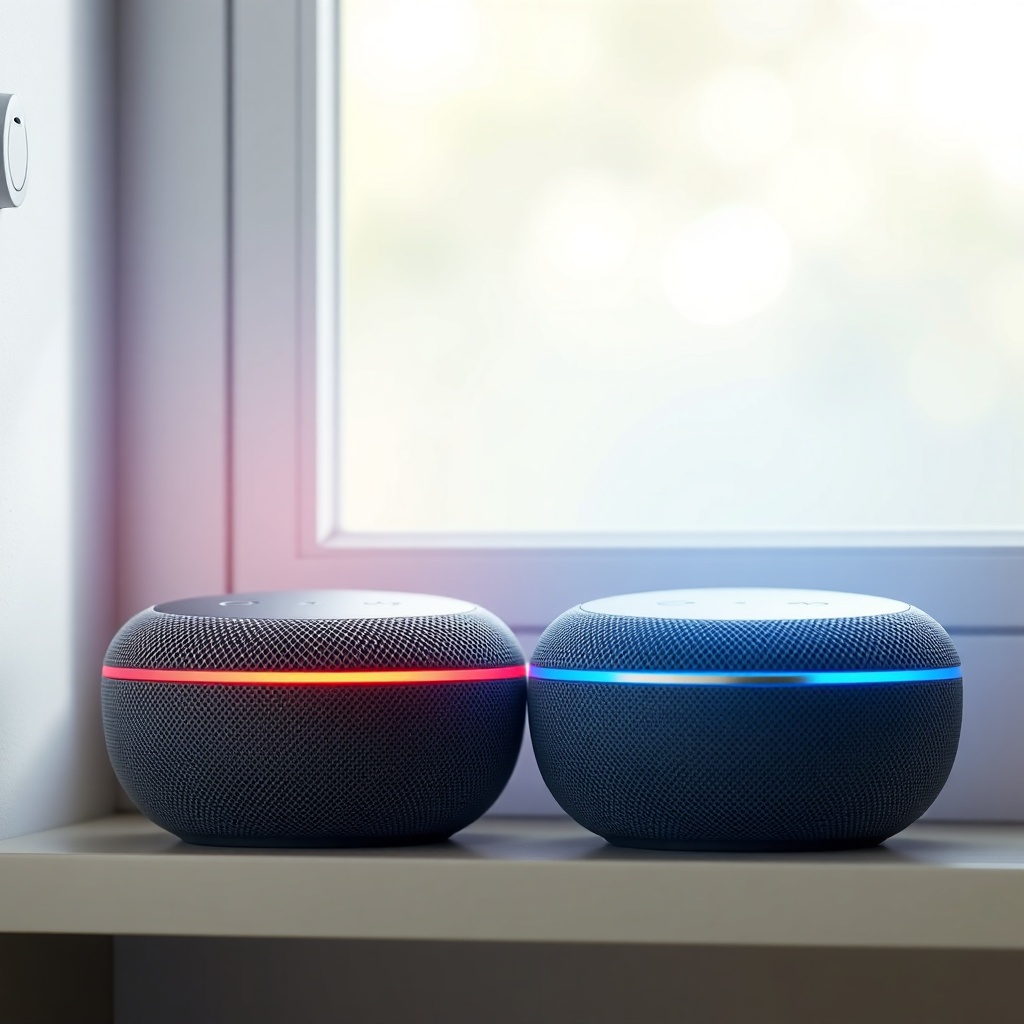
The red ring indicates the microphone is physically turned off via the action button. Voice commands will not work until you press the button to un-mute it. If the button is stuck, clean the top surface and try a power cycle.
Can a dirty wall outlet cause microphone muting?
Indirectly yes. If the power supply is unstable, the internal logic board may malfunction, causing the mute state sensor to report incorrectly. Try plugging the Echo Dot into a different outlet or using a surge protector.
Does the Echo Dot (5th Gen) mute itself automatically for privacy?
No, the device only mutes when the action button is pressed physically or via the Alexa app’s privacy setting. There is no automatic mute timer. If yours mutes on its own, check for routine triggers or contact Amazon support.
How long does the microphone stay muted after pressing the button?
It remains muted indefinitely until the action button is pressed again. The device retains the mute state across power cycles, so even unplugging it will keep the mic off when powered back on.
Is there a way to see the mute history in the Alexa app?
Yes. Go to Settings > Device Settings > your Echo Dot > Device Status > Microphone. There you can see the last mute/unmute event with a timestamp. This can help pinpoint if a routine or accidental press caused the change.
Will a firmware update fix persistent microphone muting?
Possibly. Amazon occasionally releases over-the-air updates to improve microphone handling. Check for updates in the Alexa app under Device Settings > Software Update. However, if the issue is mechanical (stuck button), firmware will not help.