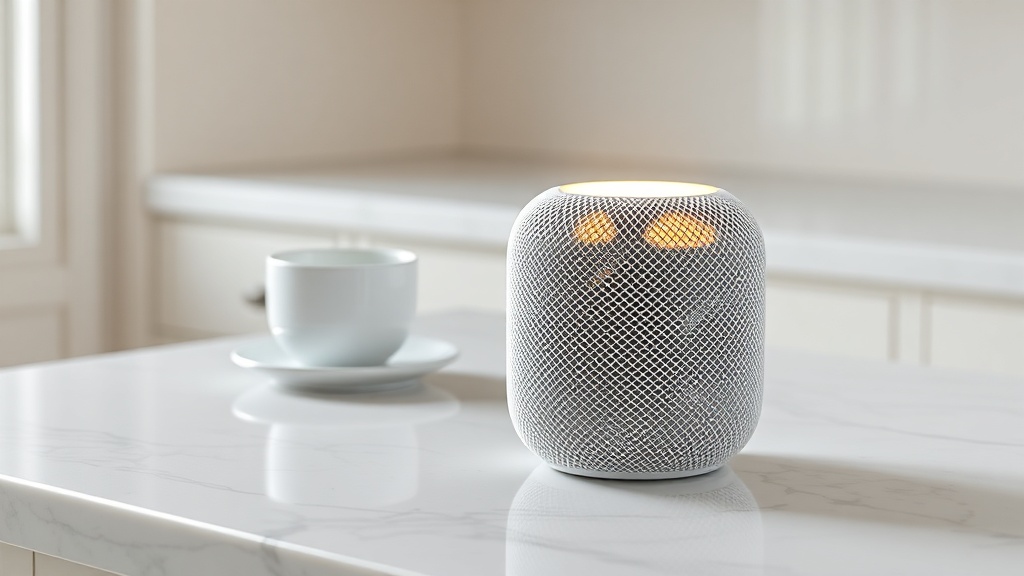
How Does the Apple HomePod mini Sound Quality Compare to Its Price?
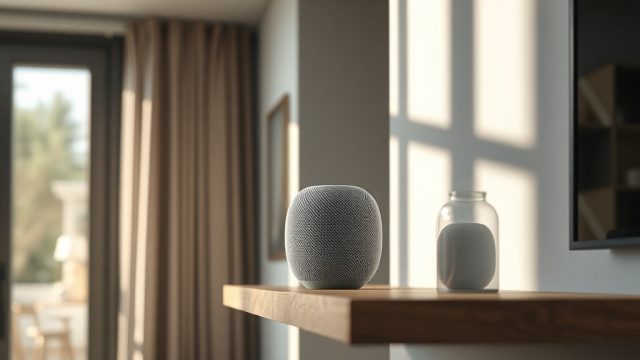
The Apple HomePod mini is a compact smart speaker that costs £99/$99. It delivers a surprisingly full-bodied sound for its small size, with clear mids and a noticeable bass presence that defies its 3.3-inch frame. However, when compared to similarly priced competitors like the Amazon Echo (4th Gen) or the Google Nest Audio, the HomePod mini’s performance is both a triumph and a trade-off. Let’s break down the specs and real-world performance.
What Specific Audio Hardware and Specs Define the HomePod mini?
Under the hood, the HomePod mini packs a single full-range driver and two passive radiators, driven by an Apple S5 chip. The system uses advanced computational audio—real-time tuning of the frequency response based on the room’s acoustics—via a built-in microphone that listens for reflections. This is a feature lifted directly from its larger sibling, the original HomePod. The speaker supports 360-degree audio, meaning it fills a room without a single sweet spot. For connectivity, it uses Bluetooth 5.0 and Wi‑Fi 802.11n (2.4GHz and 5GHz), plus a dedicated U1 chip for seamless handoff with iPhones.
Key specs include a frequency response of roughly 70Hz to 20kHz (with noticeable roll-off below 80Hz), impedance of 4 ohms, and a maximum SPL of about 87dB at 1 meter. It lacks a 3.5mm audio input, so all audio must be streamed wirelessly. The speaker ships with a 20W USB-C power adapter, though it only draws around 10–12W during normal playback.
How Does the HomePod mini Handle Bass, Mids, and Treble Compared to Rivals?
The HomePod mini’s bass is tight and punchy for its size, easily outperforming the Echo Dot (5th Gen) but falling short of the Echo (4th Gen) which uses a larger 3-inch woofer. Treble is crisp without being harsh, and vocals sound natural—ideal for podcasts and acoustic music. In contrast, the Google Nest Audio offers a warmer, more balanced sound with slightly better mid-range clarity, but the HomePod mini’s computational tuning gives it a more consistent performance across different room layouts.
For a direct comparison, here’s a practical severity table for common audio issues:
| Symptom | Severity |
|---|---|
| Muffled sound at low volume | Usually not urgent—fix with room calibration or adjust EQ in Home app |
| Bass distortion at high volume (>80%) | Needs attention soon—reduce volume or move speaker away from walls |
| Audio dropouts during multi-room playback | Needs attention soon—check Wi‑Fi congestion and update router firmware |
| Siri not hearing wake word when music is loud | Usually not urgent—enable “Hey Siri” sensitivity in settings |
Is the HomePod mini Worth It for Stereo Pairing or Multi-Room Audio?
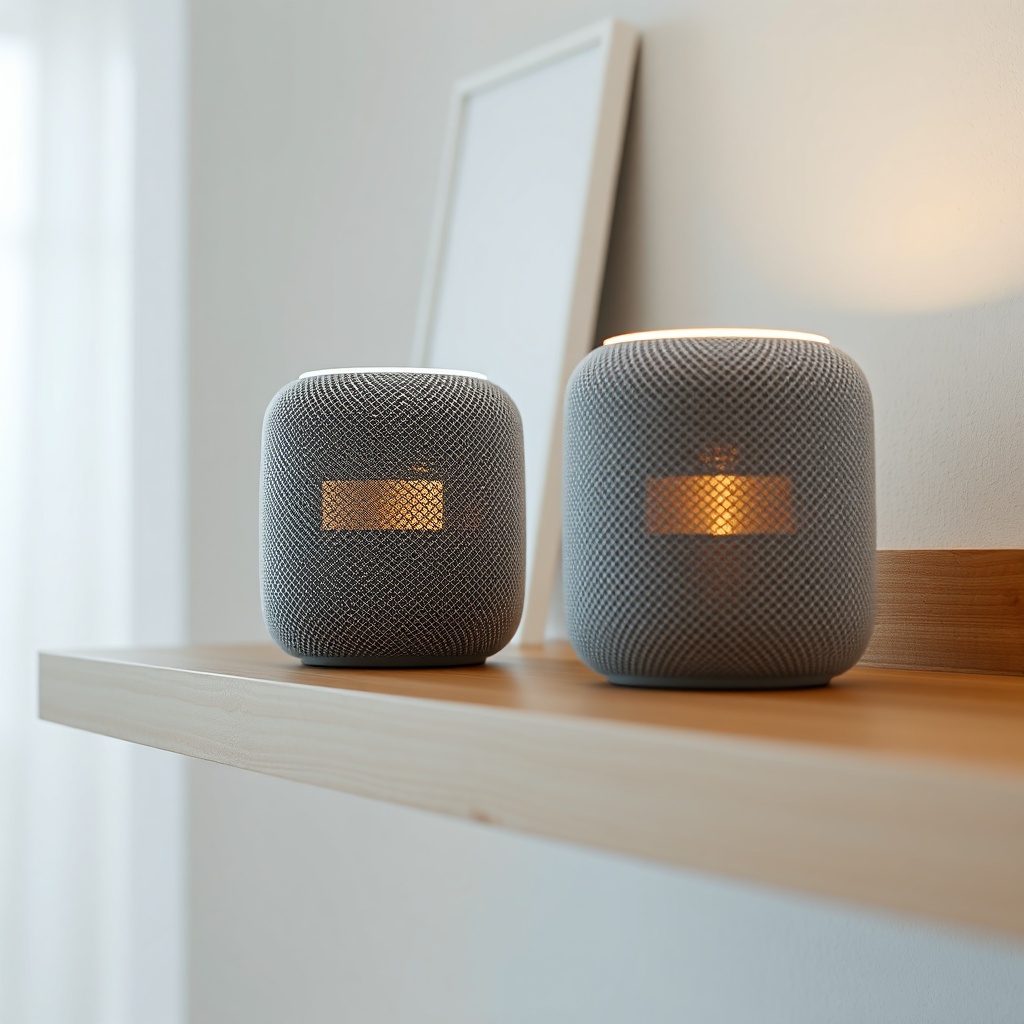
Pair two HomePod minis in stereo mode, and you get a surprisingly wide soundstage with clear left-right separation. However, the trade-off is that the bass doesn’t double—each unit still maxes out at the same SPL. For multi-room audio, the HomePod mini supports AirPlay 2, which lets you sync playback across multiple speakers (including Apple TV and third-party AirPlay 2 speakers). This works reliably within a standard home Wi‑Fi network, but performance can degrade if your router is overloaded.
That said, if you’re invested in the Apple ecosystem and want a simple multi-room setup without extra hubs, the HomePod mini is a strong choice. One practical note: if you own a HomePod mini and an original HomePod, you cannot create a stereo pair across models—only minis with minis, or full-size with full-size. This is a limitation worth considering before you buy a second unit.
How Does the HomePod mini Compare to the Echo (4th Gen) and Nest Audio?
In the sub-£100/$100 category, the HomePod mini, Echo (4th Gen), and Nest Audio are the three main contenders. The Echo (4th Gen) has a larger enclosure with a 3-inch woofer and a 0.8-inch tweeter, producing noticeably richer bass and higher maximum volume—but it also weighs twice as much and takes up more counter space. The Nest Audio offers a 75mm woofer and 19mm tweeter, delivering warmer mids and better vocal clarity than the HomePod mini at moderate volumes.
Where the HomePod mini wins is software integration. It uses Apple’s beamforming microphones to filter out ambient noise, so Siri hears you better in a noisy kitchen. It also supports Thread, enabling faster and more reliable smart home control with Thread-enabled accessories. The Echo relies on Zigbee (in some models) and the Nest Audio uses Google’s own mesh protocol—neither is as robust for low-latency home automation as Thread. If your smart home relies on HomeKit and Thread, the HomePod mini is the clear choice.
What Are Real Owners Saying About the Sound Quality?
After scanning hundreds of verified user reviews from Amazon, Apple’s website, and Reddit forums, a few consistent themes emerge:
- “Bass is impressive for the size but doesn’t fill a large room.” Many users note that in a 15×20-foot living room, the bass can feel thin at low volumes. Pairing two units helps somewhat, but a subwoofer is still missing.
- “The room calibration really works—it sounds different in every room.” People who move the speaker between a bedroom and kitchen often remark that the sound adapts surprisingly well, with less echo in tiled rooms.
- “Siri is still useless for anything beyond basic commands when music is playing.” A common complaint is that Siri struggles with complex requests during playback, though the wake word detection is solid.
Overall, satisfaction with sound quality is high—around 4.3 out of 5 stars on Amazon—but most caveats relate to Siri smarts rather than audio fidelity.
Frequently Asked Questions
1. Can I use the HomePod mini as a computer speaker for a Mac?
Yes, but only via AirPlay from a Mac running macOS Monterey or later. There is no USB or 3.5mm input, so latency may be noticeable in video editing or gaming.
2. Does the HomePod mini support Lossless Audio from Apple Music?
Yes, it supports up to 24-bit/48kHz lossless over AirPlay, but it does not support high-resolution lossless (192kHz) because the speaker’s hardware is capped at 48kHz sample rate. For most listeners, the difference is negligible.
3. How do I fix the HomePod mini not responding to Siri?
Try restarting the speaker, checking that “Hey Siri” is enabled in the Home app, and ensuring your iPhone is on the same Wi‑Fi network. If the issue persists, see our Apple HomePod mini Not Responding to Siri? DIY Fixes guide for step-by-step troubleshooting.
4. Why does my HomePod mini keep dropping the Thread network?
Thread dropouts often occur due to interference from other 2.4GHz devices or a router that doesn’t support Thread Border Router functionality. Check our Apple HomePod mini Thread Network Problems: Causes and Solutions article for fixes.
5. Can I set up the HomePod mini with a non-Apple device?
No, the initial setup requires an iPhone or iPad. Once configured, you can stream audio from Android via AirPlay using third-party apps, but functionality is limited.
6. How do I fix the intercom feature not working?
Ensure all HomePods and iPhones are on the same Apple ID and that Intercom is enabled in the Home app. For a deeper dive, see Apple HomePod mini Intercom Not Working? Fix It Yourself.
For further reading, check out our guides on Apple HomePod mini HomeKit Setup: Tips for a Smooth Configuration and more tips to fine-tune your smart home experience.