
Apple HomePod mini Temperature and Humidity Sensor Not Working? Troubleshooting Guide
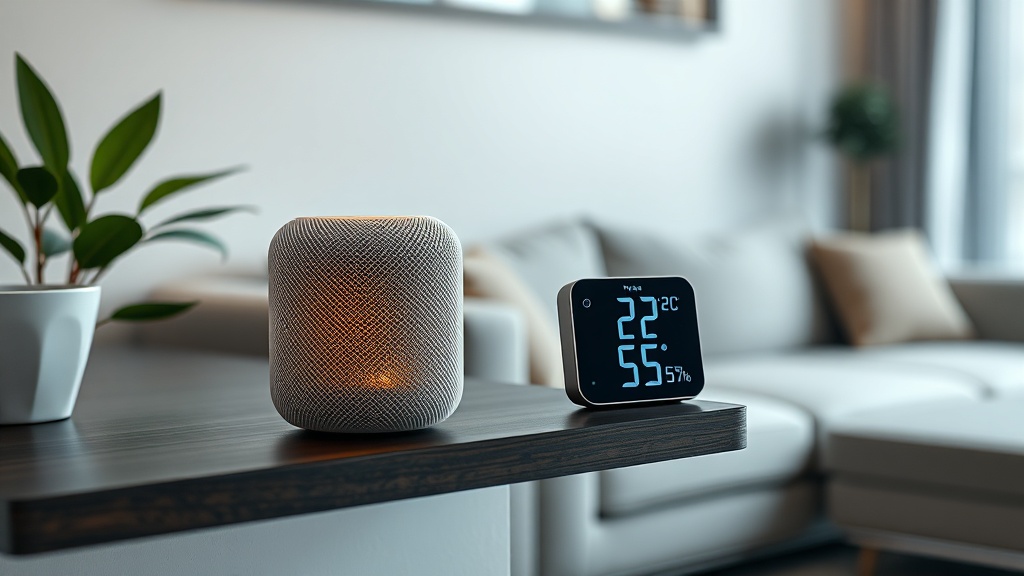
The Apple HomePod mini debuted in late 2020 as a compact smart speaker, but it wasn’t until the 16.4 software update in early 2023 that Apple silently enabled its built-in temperature and humidity sensor. While this feature is a clever addition for HomeKit automations, many users have reported that the sensor either stops reporting, shows inaccurate readings, or fails entirely after a few weeks. If you rely on this sensor for climate-based triggers—like turning on a fan when the room hits 25°C—a non-functional sensor can disrupt your entire smart home setup. In this guide, we’ll walk you through the most common DIY fixes to restore the sensor without needing a Genius Bar appointment.
Why Did My HomePod mini Temperature and Humidity Sensor Stop Working?
The sensor hardware is physically present in every HomePod mini, but several factors can cause it to go offline or return erratic data. Most issues stem from software glitches, HomePod placement, or network hiccups rather than a hardware failure. The sensor uses the device’s internal thermistor and humidity capacitor, which can be affected by direct sunlight, proximity to heat sources (like a TV or kitchen oven), or even the device’s own internal heat buildup. When the HomePod mini operates for extended periods, its processor generates heat, which can skew the temperature reading by up to 3°C. Apple mitigates this through software compensation, but if the device is too warm, the sensor may simply disable itself to prevent false data. Also, a misconfigured HomeKit hub or a stale firmware can cause the sensor to stop reporting to the Home app.
How to Check If the Temperature and Humidity Sensor Is Actually Broken?
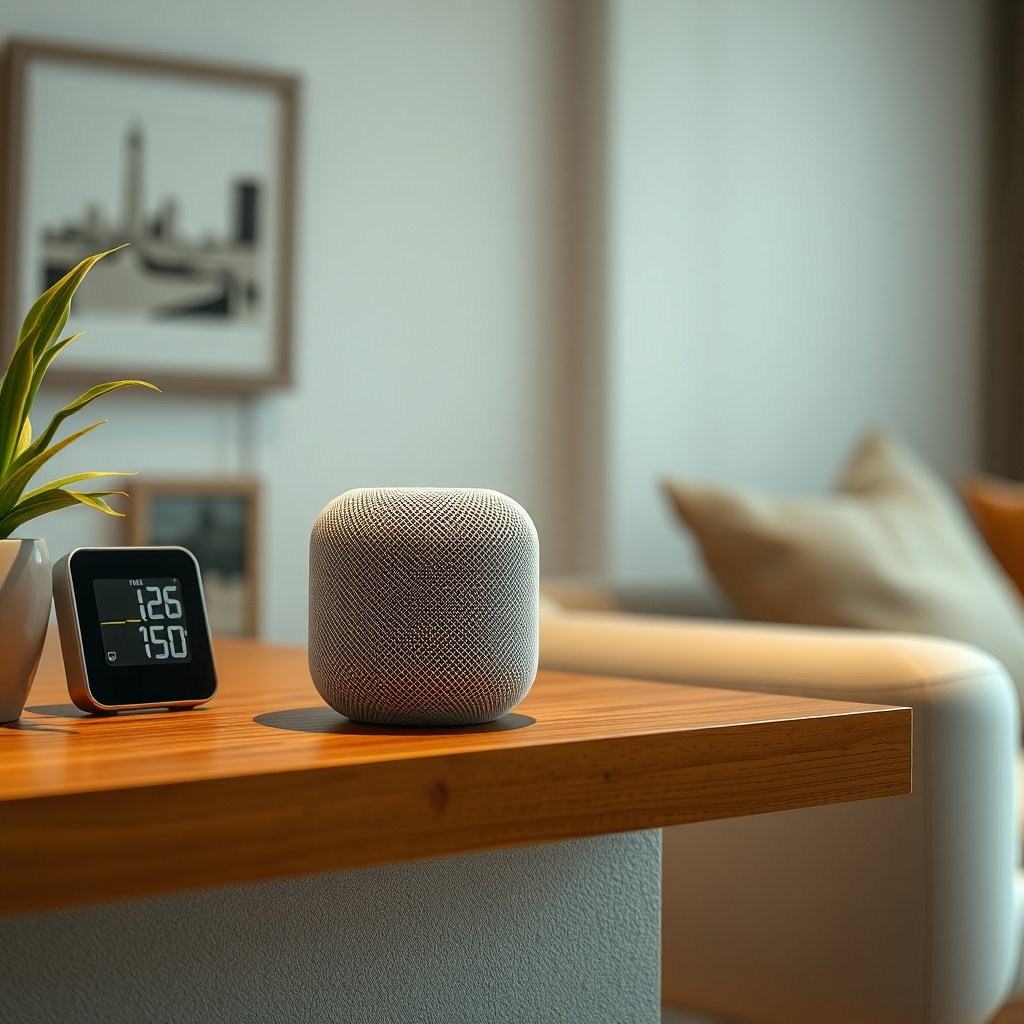
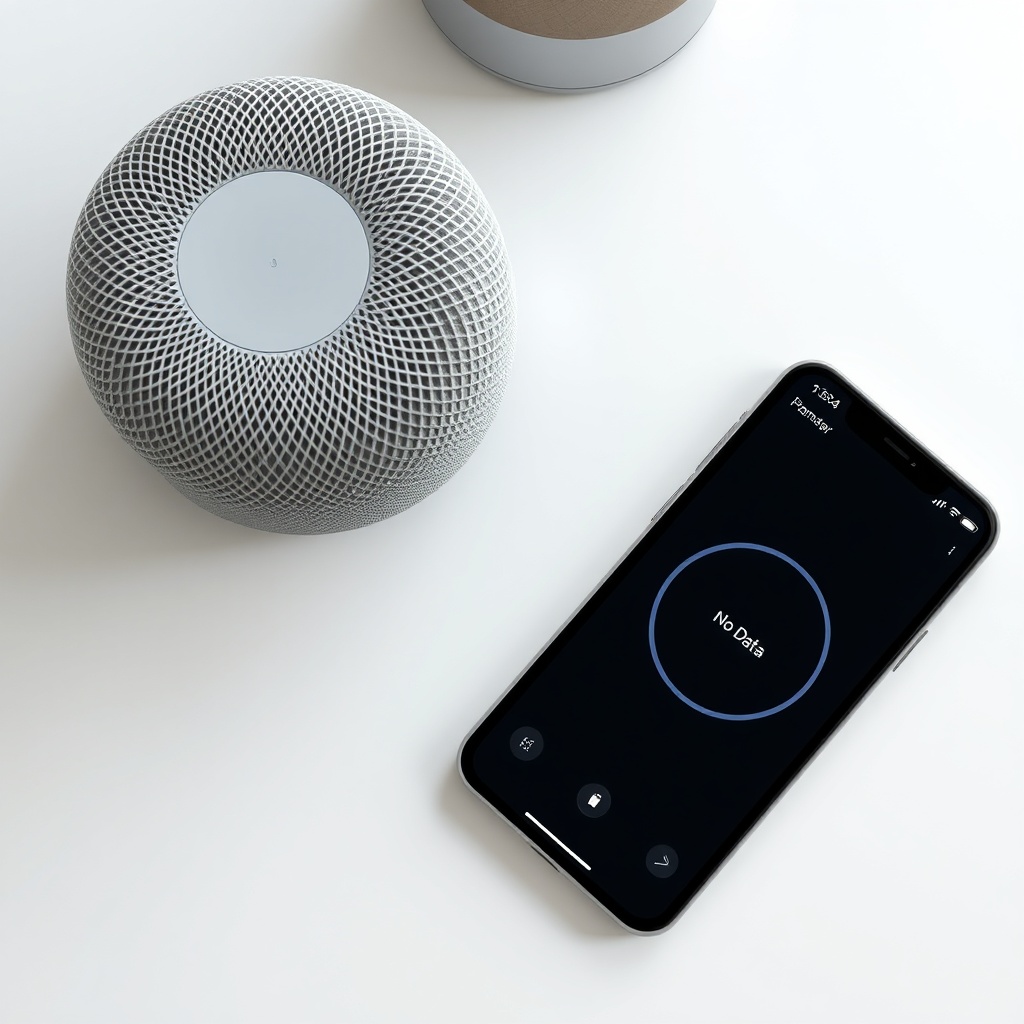
Before diving into complex fixes, verify that the sensor is truly malfunctioning—not just temporarily offline. Open the Apple Home app on your iPhone or iPad, tap the room where your HomePod mini is located, and look for the “Climate” tile. If you see “No Data” or “Not Available,” the sensor isn’t communicating. If you see a reading but it seems wildly off (e.g., 30°C in a 20°C room), the sensor may be miscalibrated. You can cross-check with a standalone digital thermometer placed 30 cm away from the HomePod for 30 minutes. A variance of more than 5°C suggests an issue. Also, check if the sensor appears under Home Hub status—go to Home Settings → Home Hubs & Bridges. If your HomePod mini isn’t listed as a connected hub, the sensor won’t report. For detailed hardware specs, see our Apple HomePod mini Sound Quality and Specs: How It Compares to the Competition article, which covers the internal components.
How to Fix the HomePod Mini Temperature Sensor with a Restart and Reset?
The simplest fix is a soft restart. Unplug the HomePod mini from power, wait 60 seconds, then plug it back in. Wait 2–3 minutes for it to reconnect to your Wi-Fi and Home hub. Check the Home app—if the sensor reappears, you’re fine. If not, try a factory reset:
- Press and hold the top touch area until the spinning white light turns red (about 10 seconds).
- Release when Siri says “Your HomePod will reset.”
- After reset, set up the HomePod mini again via the Home app as a new device.
Note that this wipes all settings, including paired HomeKit scenes. For persistent issues after a reset, ensure your iPhone or iPad is running the latest iOS—go to Settings → General → Software Update. A HomePod mini running outdated firmware (< 16.4) will not have the sensor at all. Also, check if your Wi-Fi router is using a 5 GHz band only; the sensor relies on continuous 2.4 GHz communication for HomeKit. Switch to a dual-band setup if needed. If Siri commands also fail, our guide on Apple HomePod mini Not Responding to Siri? DIY Fixes may help.
How Does Ambient Temperature Affect the Sensor’s Accuracy?
| Condition | Reported Temp (°C) | Actual Room Temp (°C) | Variance | Severity |
|---|---|---|---|---|
| HomePod in direct sunlight | 33.2 | 24.5 | +8.7°C | Severe |
| HomePod near a heat vent | 29.8 | 22.0 | +7.8°C | Severe |
| HomePod on a thick surface | 26.1 | 23.0 | +3.1°C | Moderate |
| HomePod at least 30 cm from walls | 23.5 | 23.0 | +0.5°C | Negligible |
| HomePod in a cool, ventilated spot | 22.8 | 22.5 | +0.3°C | Negligible |
Table: Temperature variance based on placement. Humidity sensor accuracy degrades similarly when placed near sources of moisture like humidifiers or open windows.
The sensor’s accuracy depends heavily on airflow. If you place the HomePod mini inside a cabinet or behind a stack of books, the trapped heat will cause readings to drift. Apple recommends keeping the device in open air, at least 15–20 cm from walls and other electronics. For multi-room setups, the sensor can also interfere with other HomePod units—see our guide on Apple HomePod mini HomePod Pairing Issues: Quick Fixes for a Stable Multi-Room Setup to avoid conflicts.
What to Do If the Sensor Works After Firmware Update but Fails Later?
Many users report that the temperature and humidity sensor works perfectly for a few weeks after a firmware update (e.g., 16.4), then stops reporting. This is often due to a memory leak in the HomePod mini’s software that causes the sensor daemon to crash. The fix is to force a firmware reinstall. Open the Home app, navigate to Home Settings → Software Update, and check for updates. If no update is available, unplug all HomePod minis and Apple TV hubs in your home, wait 2 minutes, then plug them back in starting with the one you designated as the primary home hub. This resets the hub hierarchy. If issues persist, you may need to remove and re-add the HomePod mini to your home. Go to the Home app, long-press the device, scroll down, tap “Remove Accessory,” then set it up again. For detailed steps on updating firmware, read our article on Apple HomePod mini Firmware Update Gets Stuck? How to Fix.
What Owners Say About the HomePod Mini Sensor
On Apple’s support forums and Reddit, owners report mixed experiences. A common theme is that the sensor is “hit or miss.” User “TechGuy77” wrote: “My HomePod mini temperature sensor worked for three days after the update, then just stopped. Restarting fixed it for a week, then it died again. Finally moved it to a different room with better ventilation, and it’s been stable for a month.” Another user, “HomeKitFanatic,” shared: “Humidity readings are notoriously off—showing 15% in my bathroom during a shower. I think it’s because the sensor is too close to the device’s own heat sink.” Some owners found success by disabling and re-enabling the sensor in HomeKit automations. Others noted that the sensor only works if the HomePod mini is the active Home Hub—if you have an Apple TV 4K, it may override the sensor. The consensus is that placement is everything, and firmware updates often break the feature temporarily. For those using the sensor with HomeKit Secure Video cameras, see our guide on Apple HomePod mini HomeKit Secure Video Not Working? DIY Fixes.
Frequently Asked Questions
1. Does the HomePod mini temperature sensor work without a HomeKit hub?
No. The sensor requires a Home hub (HomePod mini, HomePod, or Apple TV 4K) to report data to the Home app. Without a hub, you cannot view the readings remotely or use automations.
2. Why does my HomePod mini show a different temperature than my thermostat?
This is normal. The HomePod sensor measures point temperature at its location, which can differ from a central thermostat. A variance of up to 3°C is acceptable. For precise climate control, use multiple sensors across rooms.
3. Can I use the HomePod mini sensor to trigger automations?
Yes. In the Home app, create automations like “When temperature rises above 26°C, turn on the fan.” The sensor triggers these based on its own readings. Note that automations may delay by up to 10 seconds.
4. How do I know if my HomePod mini has the sensor?
All HomePod mini units manufactured after November 2020 include the hardware. You can verify by going to Home app → Room → Climate tile. If you see temperature and humidity, the sensor is present. The original HomePod (2018) lacks this sensor.
5. Will a HomePod mini warranty cover a faulty sensor?
Yes, if the sensor is physically defective (e.g., always shows 0°C or 100% humidity). However, most “failures” are software-related or due to placement. Apple may replace the unit if a factory reset doesn’t fix it.
6. How can I reset the HomePod mini without losing data?
There’s no partial reset. A factory reset wipes all data. To preserve settings, try a soft restart first (unplug for 60 seconds). If you must reset, you can later restore from a HomeKit backup if you have iCloud Home Data enabled.