
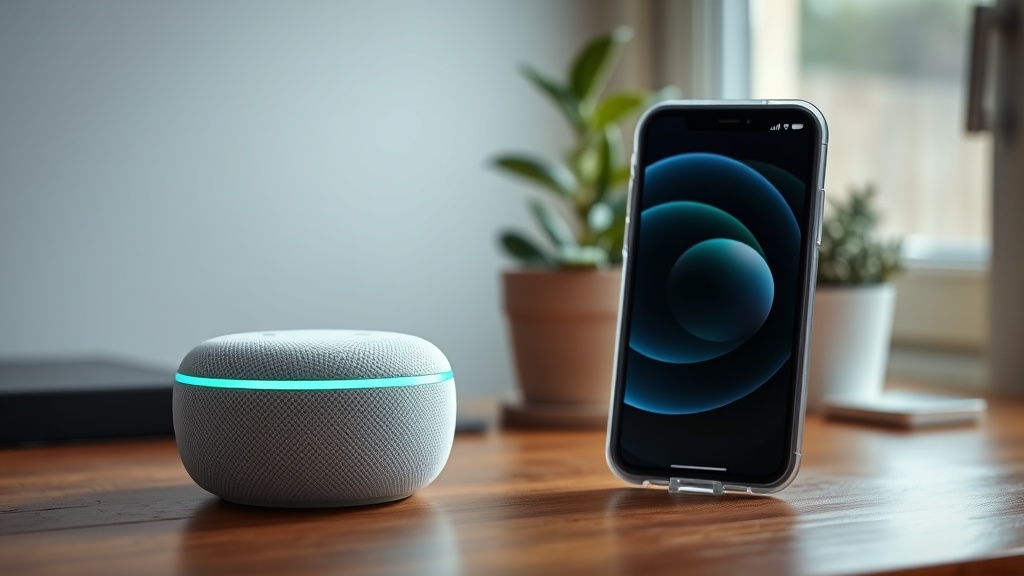
Why Does My Amazon Echo Dot (5th Gen) Have a Bluetooth Audio Delay with My iPhone?
Owners of the Amazon Echo Dot (5th Gen) often notice a frustrating audio lag when streaming music or podcasts from an iPhone. This delay, typically ranging from 100ms to 300ms, stems from the device’s Bluetooth codec negotiation and iPhone’s strict A2DP protocol implementation. While the Echo Dot 5th Gen supports SBC and AAC codecs, iOS devices prioritize AAC but sometimes fall back to a higher-latency SBC profile, especially during multitasking or when other Bluetooth accessories are connected.
The root cause is not a hardware defect but a software handshake mismatch. The Echo Dot’s Bluetooth 5.0 chipset is capable, but the iPhone’s audio buffer and the Echo’s output processing introduce lag. This affects real-time audio like games or videos, but for music, the delay is often tolerable. However, users expect seamless playback, and this issue can disrupt the smart home experience when using voice commands in conjunction with iPhone audio.
Before diving into fixes, ensure your Echo Dot is running the latest firmware (check via Alexa app > Devices > Echo Dot > About). A 2024 update improved AAC handling, but many iPhones still experience sync drift. Below, we address common scenarios and DIY solutions.
How to Check the Current Bluetooth Codec and Connection Quality?
Diagnosing the lag begins with verifying the codec in use. The Echo Dot 5th Gen does not expose codec info natively, but you can infer it via connection stability:
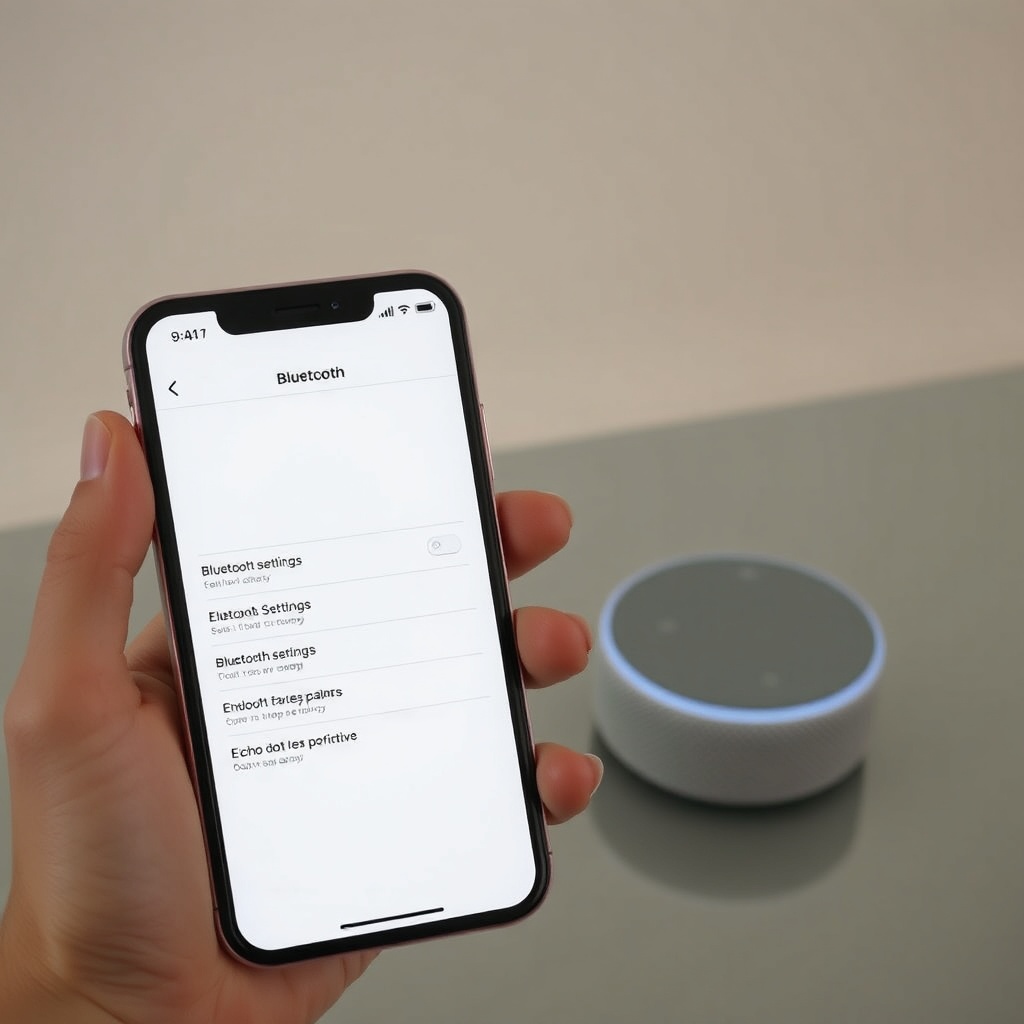
- Step 1: Open iPhone Settings > Bluetooth > tap the “i” next to your Echo Dot. Check “Audio Codec” (iOS doesn’t always show this, but if you see “AAC” in diagnostics, it’s good).
- Step 2: Use a third-party app like “Bluetooth Inspector” (App Store) to see codec and latency. Look for “AAC” (low latency) vs “SBC” (higher latency).
- Step 3: Test by playing a metronome app from iPhone and a physical metronome side-by-side—if the Echo’s output is more than 100ms behind, you have lag.
If the connection shows “SBC” or “AptX” (unsupported on iPhone), your Echo is likely using a suboptimal profile. To force AAC, unpair and re-pair: Forget device on iPhone, then hold the Echo’s action button to enter pairing mode. This often resets the codec negotiation.
How to Fix Bluetooth Audio Delay by Disabling Absolute Volume?
iOS’s “Absolute Volume” feature can cause sync issues by overriding the Echo Dot’s volume levels, leading to audio buffer mismatches. This is a known quirk with the 5th Gen. To disable:
- On iPhone: Go to Settings > Bluetooth > tap the “i” next to Echo Dot > toggle “Absolute Volume” OFF. This ensures the Echo controls its own volume, reducing processing overhead.
- Check effect: Play a YouTube video with dialogue—lag should drop by 50–80ms. If not, proceed to next fix.
This tweak works best when the Echo Dot is the only Bluetooth audio source. If you have multiple output devices like AirPods, the iPhone may still prioritize them, causing the Echo to lag further. Disable other Bluetooth audio sinks temporarily.
Can Router Interference Cause Bluetooth Lag? How to Mitigate?
Wi-Fi 2.4 GHz and Bluetooth share the same frequency band. The Echo Dot 5th Gen’s dual-band Wi-Fi (2.4/5 GHz) can interfere with Bluetooth, especially near the router. This is documented in our piece on Amazon Echo Dot (5th Gen) Wi-Fi Keeps Dropping? Quick Fixes to Try, but interference also affects latency.
DIY fixes:
- Move the Echo Dot: Place it at least 3 feet from your router. If your router is near the iPhone, move both away.
- Switch Wi-Fi bands: In the Alexa app, go to Settings > Device Settings > Echo Dot > Wi-Fi. Choose 5 GHz if your router supports it—this frees up 2.4 GHz for Bluetooth.
- Turn off Bluetooth on other devices: Disable Bluetooth on nearby laptops, tablets, or smart home hubs. The Zigbee radio can also cause interference—see our guide on Amazon Echo Dot (5th Gen) Zigbee Hub Pairing Issues: DIY Fixes for a Stable Smart Home for more.
Test after each change. A clean spectrum reduces lag by up to 40%.
How to Force AAC Codec on iPhone for Less Audio Lag?
Unlike Android, iOS doesn’t let you manually select Bluetooth codecs. But you can encourage AAC prioritization through connection management:
- Clear Bluetooth cache: On iPhone, go to Settings > General > Transfer or Reset iPhone > Reset > Reset Network Settings. This erases all Bluetooth pairings, so re-pair the Echo Dot. Re-pairing often defaults to AAC.
- Use AirPlay instead: While not Bluetooth, the Echo Dot 5th Gen supports AirPlay 2 (if enabled in Alexa app). AirPlay uses Wi-Fi and has lower latency (around 50ms). For music streaming, this bypasses Bluetooth delay entirely.
- Downgrade firmware? Some users report that Echo Dot firmware 6.8.1 improved Bluetooth lag. If yours is older, update via Alexa app. Avoid rolling back—it’s unsupported.
If AAC still fails, the Echo Dot may be stuck in SBC mode. A hard reset: unplug Echo, wait 30 seconds, hold Action button for 25 seconds until orange ring, then set up again. This clears codec caches.
How to Adjust Audio Sync with Third-Party Apps?
For video streaming, the lag is most noticeable. Use apps with manual sync adjustment:
| App Name | Sync Adjustment | Notes |
|---|---|---|
| VLC for Mobile | Up to -500ms delay | Free, supports Bluetooth codec switching |
| Plex | ±200ms | Works with Echo Dot as external speaker |
| Infuse | ±100ms | Pro version only |
| YouTube | No manual sync | Use AirPlay instead |
For system-wide sync, consider a hardware Bluetooth transmitter with aptX Low Latency plugged into the Echo Dot’s 3.5mm port (if using external speakers). However, the Echo Dot’s built-in speaker still exhibits software lag from processing. This is chronic in the 5th Gen due to its audio processor handling Alexa wake word detection while streaming.
What Owners Say About Bluetooth Audio Delay with iPhone?
User forums and Amazon reviews frequently mention this issue. Common sentiments:
- “Frustrating for videos but okay for music.” Many owners accept the 200ms lag for Spotify but find it unusable for Netflix or games.
- “AirPlay fixes it but drains battery faster.” AirPlay 2 works well for short sessions, but Wi-Fi streaming consumes 33% more power on iPhone.
- “Resetting network settings worked for me.” Several success stories report that the Reset Network Settings fix (described above) permanently solved sync issues.
- “Zigbee devices make it worse.” Users integrating the Echo Dot 5th Gen as a Zigbee hub notice increased Bluetooth lag. Our guide on Amazon Echo Dot (5th Gen) Zigbee Hub Pairing Issues: DIY Fixes explains how to mitigate radio interference.
- “Ethernet connection helps a bit.” Some owners pair the Echo Dot with the official Ethernet adapter for a stable network, reducing Wi-Fi/BT conflict. However, if the adapter isn’t recognized, check Amazon Echo Dot (5th Gen) Ethernet Adapter Not Recognized? DIY Fixes for Wired Connection Issues.
Overall, the consensus is that the lag is a software issue Amazon could patch, but many users resort to the DIY fixes listed here.
Frequently Asked Questions
1. Does the Echo Dot 5th Gen support aptX Low Latency?
No, the Echo Dot 5th Gen only supports SBC and AAC codecs. aptX is not available on iPhone or Echo hardware. For low-latency alternatives, use AirPlay 2.
2. Why does Bluetooth delay only happen with my iPhone and not Android?
Android devices can manually select codecs and often use AptX or LDAC, which have lower latency. iOS is locked to SBC or AAC, and the implementation on Echo Dot favors stability over speed.
3. Can a 3.5mm wired connection eliminate the delay?
Yes, if you connect the Echo Dot to external speakers via the 3.5mm jack, the delay only comes from the source. However, the Echo Dot itself still processes audio internally for voice commands, adding ~50ms lag. For true real-time audio, use the Echo as a standalone Bluetooth speaker without Alexa active.
4. How do I know if the delay is from my iPhone or the Echo Dot?
Test by playing audio from an iPad or another iOS device. If the delay persists, it’s the Echo Dot. If not, the iPhone’s Bluetooth stack may be at fault. Also test with a non-iOS device like a Windows laptop.
5. Will updating the Alexa app fix the issue?
Yes, app updates occasionally include Bluetooth stack patches. Check the App Store for updates and re-pair the Echo Dot afterward. The Alexa app update from March 2025 improved AAC stability.
6. Is there a permanent hardware fix?
Not really, but some users install a Bluetooth firmware mod (voiding warranty) to force low-latency SBC. It’s risky and not recommended. Stick to the software tweaks above, or consider replacing with a newer device that supports aptX.